Lecture 5 – Encapsulation and Data Hiding
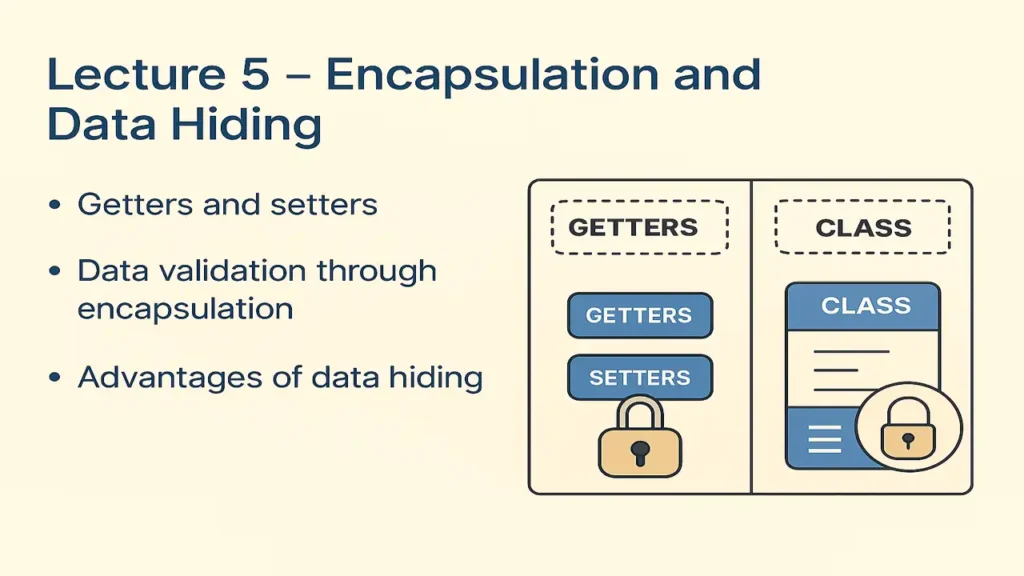
Encapsulation and Data Hiding
Master the concepts of Encapsulation and Data Hiding in Object-Oriented Programming. Learn how getters and setters work, how to perform data validation using encapsulation, and discover the key advantages of securing data in classes using Java and C++ examples.
What is Encapsulation?
Encapsulation means binding data and the functions that operate on that data together in one unit (class).
It helps prevent direct access to data and provides controlled interaction through public methods.
Think of it like a capsule that protects the medicine inside only a safe method (the capsule wall) allows access.
Real-World Example:
Imagine a Bank Account you can deposit or withdraw, but you can’t just open the vault and take money directly.
That’s encapsulation the internal data (balance) is hidden and can only be changed through specific methods.

Lecture 4 – Constructors and Destructors
Why Use Encapsulation?
Protects data from accidental or unauthorized modification.
Makes code easier to maintain.
Improves readability and flexibility.
Allows internal implementation to change without affecting outside code.
Implementing Encapsulation in Code
Encapsulation in programming is achieved using:
- Private variables (hidden from other classes)
- Public getter and setter methods (to access and modify data safely)
Example in C++
#include <iostream>
using namespace std;

class Student {
private:
    string name;
    int age;

public:
    // Setter for name
    void setName(string n) {
        name = n;
    }

    // Setter for age (with validation)
    void setAge(int a) {
        if (a > 0)
            age = a;
        else
            cout << "Invalid age!" << endl;
    }

    // Getters
    string getName() {
        return name;
    }

    int getAge() {
        return age;
    }
};

int main() {
    Student s;
    s.setName("Ali");
    s.setAge(20);
    cout << s.getName() << " is " << s.getAge() << " years old." << endl;
    return 0;
}
Explanation:
nameandageare private → cannot be directly accessed outside the class.setAge()validates the input before assigning.- Controlled access = Encapsulation + Data Hiding.
Example in Java
class Student {
    private String name;
    private int age;

    // Setter for name
    public void setName(String n) {
        name = n;
    }

    // Setter for age with validation
    public void setAge(int a) {
        if (a > 0)
            age = a;
        else
            System.out.println("Invalid age!");
    }

    // Getters
    public String getName() {
        return name;
    }

    public int getAge() {
        return age;
    }

    public static void main(String[] args) {
        Student s = new Student();
        s.setName("Sara");
        s.setAge(22);
        System.out.println(s.getName() + " is " + s.getAge() + " years old.");
    }
}
Here again:
- Private variables protect the internal state.
- Public methods give safe, validated access.
Data Validation Through Encapsulation
Encapsulation ensures that the class controls how data is changed.
If a user tries to assign invalid data, the program can stop it.
Example:
void setAge(int a) {
    if (a > 0 && a <= 100)
        age = a;
    else
        cout << "Invalid age! Age must be between 1 and 100." << endl;
}
This keeps the data clean and logical.
Advantages of Data Hiding
| Advantage | Explanation |
|---|---|
| Security | Prevents external code from corrupting object data |
| Control | Only class-defined methods can modify data |
| Simplicity | Makes complex systems easier to understand |
| Flexibility | You can change internal logic without affecting other code |
| Reusability | Encapsulated classes can be reused safely |
Quick Comparison: Without vs. With Encapsulation
| Without Encapsulation | With Encapsulation |
|---|---|
| Anyone can change data | Data changes only via controlled methods |
| No validation | Built-in validation logic |
| Difficult to debug | Easy to maintain and trace issues |
Summary of Lecture 5
| Concept | Meaning | Example |
|---|---|---|
| Encapsulation | Wrapping data and methods together | class Student { private data + public methods } |
| Data Hiding | Restricting direct access | private int age; |
| Getters & Setters | Safe access and validation | getAge(), setAge() |
| Benefits | Security, control, flexibility | — |
Positive Thought for Students
“Encapsulation teaches you discipline guard your data, guide your logic. Good code, like a good person, knows what to reveal and what to protect.”