Create a list of 5 countries and print the third one?
Lecture 3 – Python Data Structures (Lists, Tuples, Sets, Dictionaries)
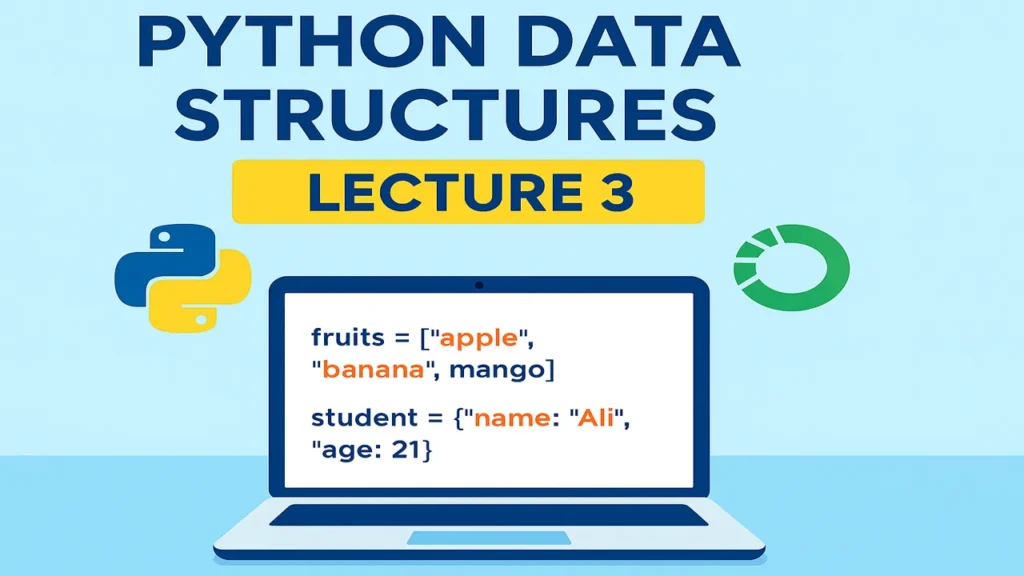
Python Data Structures in Lecture 3 of the Python for Data Science course. Simple explanations of lists, tuples, sets, and dictionaries with examples, quiz, and practice questions for beginners.
What You Will Learn
By the end of this lecture you will understand:
- What lists, tuples, sets, and dictionaries are
- How to store multiple values in one variable
- How to add, update & remove items
- Real-world use-cases (Data Science perspective)
- MCQ quiz + practice tasks
1) What Are Data Structures?
Data structures help us store multiple values in one variable.
Example:
- 1 student → variable
- 100 students → data structure
- 1 product → variable
- thousands of products → data structure
So in Python, the MOST used structures are:
List
Tuple
Set
Dictionary
2) LIST (Most Common)
A list is an ordered, changeable collection.
Syntax:
fruits = ["apple", "banana", "mango"]You can change items
fruits[1] = "orange"You can add items
fruits.append("grapes")You can remove items
fruits.remove("apple")Example (Real Data Science)
Store test scores:
scores = [85, 90, 72, 95]3) TUPLE (Fixed collection)
A tuple is like a list but unchangeable.
Syntax:
colors = ("red", "blue", "green")You cannot change:
colors[0] = "yellow" # ❌ ErrorWhen to use?
When you want data that should never change
Examples:
- Country names
- Days of the week
- Database IDs
4) SET (Unique items only)
A set has:
- No duplicate values
- No indexing
- Very fast searching
Syntax:
unique_numbers = {1, 2, 3, 3, 2}
print(unique_numbers)
Output:
{1, 2, 3}Good for Data Science when removing duplicate values from datasets.
5) DICTIONARY (Most powerful)
A dictionary stores data in key : value pairs.
Syntax:
student = {
    "name": "Ali",
    "age": 20,
    "grade": "A"
}
Access values
print(student["name"])Change values
student["age"] = 21Add new key
student["city"] = "Lahore"Real Data Science Use
A row from a dataset is often a dictionary.
6) Real-World Example (Mini Data Science Case)
Suppose you have data of one customer:
customer = {
    "id": 101,
    "name": "Sara",
    "purchases": ["Laptop", "Mouse", "Keyboard"],
    "total_spent": 150000
}
You can now analyze:
print(customer["name"])
print(len(customer["purchases"]))
Quiz – Test Your Understanding
Instruction: First read the question and choose your answer. Then scroll down to see the correct answer
Which data structure allows duplicate values?
a) Set
b) Tuple
c) List
d) None
Answer: c) List
Which data structure is unchangeable?
a) List
b) Set
c) Tuple
d) Dictionary
Answer: c) Tuple
Which structure uses key-value pairs?
a) Set
b) List
c) Dictionary
d) Tuple
Answer: c) Dictionary
What will be the output?
x = {1, 2, 2, 3}
print(x)
a) [1, 2, 2, 3]
b) {1, 2, 3}
c) Error
d) {1, 2}
Answer: b) {1, 2, 3}
Next. Lecture 4 – Python Conditional Statements (if-else)
Practice Questions
Instruction for students: Read the question, open your Jupyter Notebook, and try to solve it yourself. After that, come back and check the answer.
countries = ["Pakistan", "India", "China", "Japan", "Turkey"]
print(countries[2])colors = ("red", "blue", "green", "yellow")
# colors[1] = "black" # ❌ Error (tuples can't change)nums = {1, 2, 2, 3, 3, 3}
print(nums) # Output: {1, 2, 3}product = {
"name": "Laptop",
"price": 120000,
"quantity": 5
}
print(product)