Access Control in Cyber Security – Complete Guide (Identification, Authentication, Authorization, Models & Best Practices)
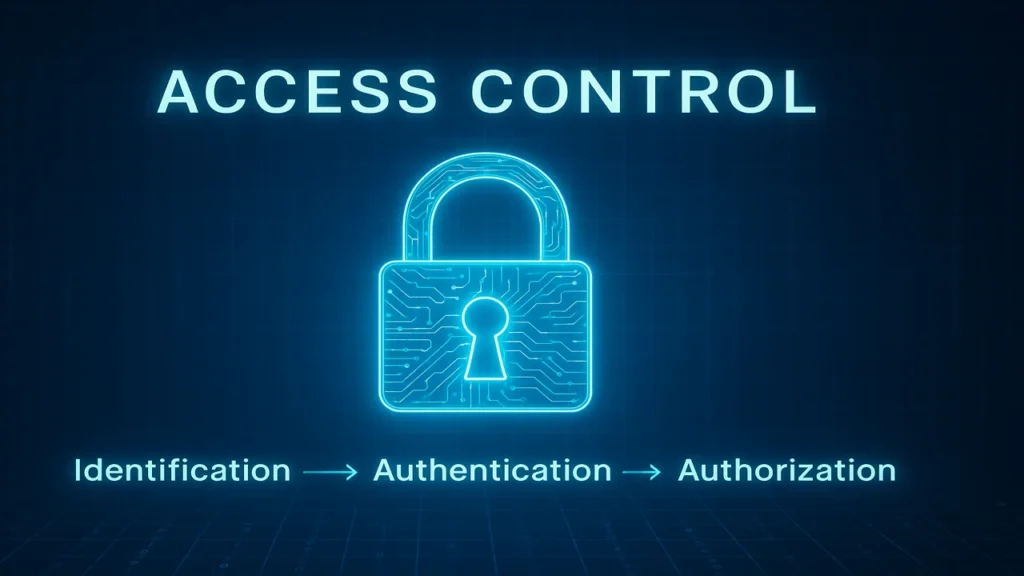
Access Control in cyber security explained: identification, authentication, authorization, DAC, MAC, RBAC models, IAM systems, MFA, Zero Trust, and best practices for securing modern organizations.
Introduction
Access Control is one of the most important pillars of cyber security. It determines who can access a system, how they prove their identity, and what actions they are allowed to perform. A strong access control system protects organizations from unauthorized access, data breaches, insider threats, and system misuse. This article explains access control terminology, major access control models (DAC, MAC, RBAC, ABAC), and the best practices for implementing secure systems.
What is Access Control?
Access Control is the process of managing permissions, deciding who is allowed to access what resource, and under what conditions. This applies to digital systems, networks, applications, and even physical locations.
Access Control is built on the AAA model:
1. Identification
A user claims an identity (e.g., entering a username).
2. Authentication (AuthN)
The system verifies this claim using:
- Something you know: Passwords, PINs
- Something you have: Tokens, smart cards
- Something you are: Biometrics
- Multi-Factor Authentication (MFA): Two or more factors together
3. Authorization (AuthZ)
After authentication, the system decides what the user can do (read, write, execute).
4. Access Control Lists (ACLs)
A table attached to an object defining permissions for each user.
5. Principle of Least Privilege (PoLP)
Give users only the minimum required access to do their job.
NIST Access Control Standards → https://csrc.nist.gov
Types of Access Control Models
Access Control Models define how permissions are created, assigned, and enforced.
1. Discretionary Access Control (DAC)
- Controlled by the resource owner
- Uses ACLs to assign permissions
- High flexibility, low security
- Used in personal computers, collaborative environments
2. Mandatory Access Control (MAC)
- Controlled by a central authority
- Uses security labels (Confidential, Secret, Unclassified)
- Very strong security, low flexibility
- Common in military and government
3. Role-Based Access Control (RBAC)
- Permissions → Roles → Users
- Highly scalable
- Most common in large enterprises
4. Attribute-Based Access Control (ABAC)
Access granted based on multiple attributes:
- User attributes
- Resource attributes
- Environment (location, time, device)
Example:
“Managers can access the Financial Report when logged in from the corporate network between 9 AM–5 PM.”
Wireless and Bluetooth Security Concepts, Threats & Best Practices
Implementing Access Control in Real Systems
A. Technical Controls
1. Operating System Security
Modern OS enforce access control using ACLs and, in some cases, MAC.
2. Identity and Access Management (IAM)
Centralized systems like Microsoft Entra ID or Okta manage all users, MFA, and permissions.
3. Network Access Control (NAC)
Firewalls and VPNs restrict network access to authorized devices/users.
4. Zero Trust Architecture
“Never trust, always verify.”
Every request must be verified regardless of network location.
B. Management & Best Practices
- Enable Multi-Factor Authentication (MFA)
- Conduct regular audits to detect over-privileged or orphaned accounts
- Use centralized directories (e.g., Active Directory)
- Enforce least privilege
Summary
Access Control is a core cyber-security mechanism that ensures only authorized users can access specific resources within a system. It is built on the AAA model Identification, Authentication, and Authorization and enforced through access control models like DAC, MAC, RBAC, and ABAC. Modern systems use IAM tools, MFA, Zero Trust principles, and strong auditing practices to prevent unauthorized access and maintain secure environments. Effective access control minimizes risk, protects data, and ensures that every user has only the privileges necessary to perform their role.