DML and Transaction Control in Oracle: INSERT, UPDATE, DELETE, COMMIT and ROLLBACK
DML and Transaction Control in Oracle: INSERT, UPDATE, DELETE, COMMIT and ROLLBACK
A DBA is the person who is trusted with other people’s data. One careless UPDATE without a WHERE clause can change every row in a table in half a second. The good news is that Oracle gives you a safety net, but only if you understand how transactions work. That is what this lecture is about.
This is Lecture 4 of our Database Administration series, and it follows SQL*Plus: The DBA Tool. We use SQL*Plus on Oracle Database XE. The statements here are standard Oracle SQL, so you can follow along in your own lab.
The families of SQL
| Family | Stands for | Statements | Used for |
|---|---|---|---|
| DDL | Data Definition Language | CREATE, ALTER, DROP | Structure of objects |
| DML | Data Manipulation Language | INSERT, UPDATE, DELETE | Data inside tables |
| TCL | Transaction Control Language | COMMIT, ROLLBACK, SAVEPOINT | Making changes permanent or cancelling them |
| DQL | Data Query Language | SELECT | Reading data |
This lecture is about DML and TCL: changing data, and deciding whether the change stays.
Setting up two practice tables
CREATE TABLE student (
    roll_no NUMBER PRIMARY KEY,
    name    VARCHAR2(30),
    marks   NUMBER
);

CREATE TABLE account (
    acc_id  NUMBER PRIMARY KEY,
    holder  VARCHAR2(30),
    balance NUMBER
);
INSERT: adding rows
INSERT INTO student (roll_no, name, marks) VALUES (1, 'Ali', 70);
INSERT INTO student (roll_no, name, marks) VALUES (2, 'Sara', 85);
INSERT INTO account (acc_id, holder, balance) VALUES (1, 'Ali', 1000);
INSERT INTO account (acc_id, holder, balance) VALUES (2, 'Sara', 1000);
Always write the column list. If you write only VALUES (1, 'Ali', 70) your statement depends on the table's column order, and it breaks the day someone adds or reorders a column.
UPDATE and DELETE: the dangerous ones
UPDATE student SET marks = 75 WHERE roll_no = 1;
DELETE FROM student WHERE roll_no = 2;
The WHERE clause decides which rows are touched. Without it, every row is changed or deleted. A simple habit protects you: run a SELECT with the same WHERE first.
SELECT * FROM student WHERE roll_no = 1;   -- check these rows first
UPDATE student SET marks = 75 WHERE roll_no = 1;
What is a transaction?
A transaction is a group of statements that must succeed or fail together. The classic example is a bank transfer. Ali sends 500 to Sara:
UPDATE account SET balance = balance - 500 WHERE acc_id = 1;
UPDATE account SET balance = balance + 500 WHERE acc_id = 2;
COMMIT;
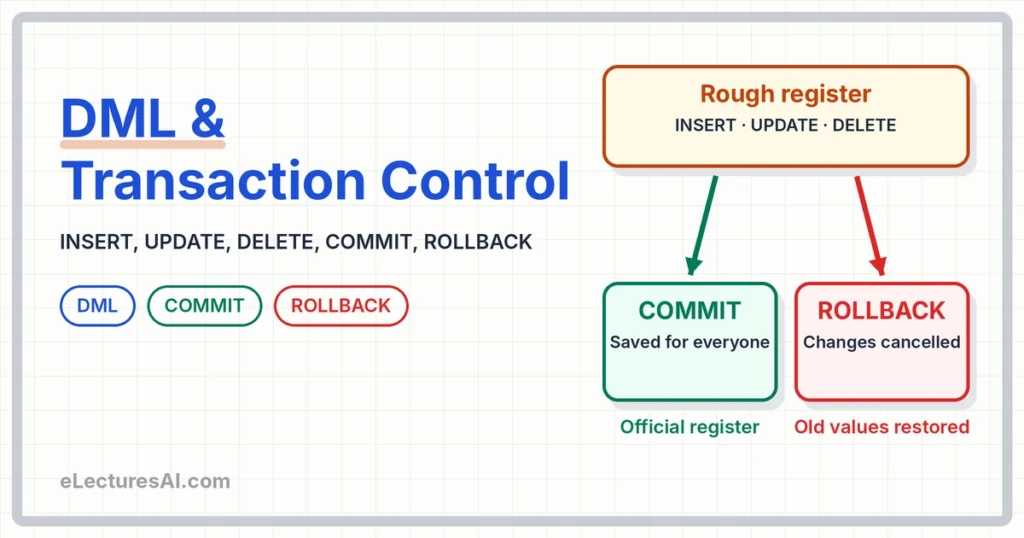
If the first statement runs and the second fails, 500 has vanished. We want all or nothing. Until you type COMMIT, the changes are only pending. COMMIT makes them permanent. ROLLBACK cancels everything since the last commit.
ROLLBACK saves you from your own mistake
UPDATE student SET marks = 0;      -- oops, no WHERE
SELECT * FROM student;             -- every row shows 0
ROLLBACK;                          -- changes cancelled
SELECT * FROM student;             -- original marks are back
Because we did not commit, Oracle can undo the change. This is why a DBA does not type COMMIT until the result has been checked.
SAVEPOINT: a bookmark inside a transaction
UPDATE account SET balance = balance - 100 WHERE acc_id = 1;
SAVEPOINT after_first;
UPDATE account SET balance = balance + 100 WHERE acc_id = 99;  -- wrong id
ROLLBACK TO after_first;           -- undo only the second update
COMMIT;                            -- keeps the first update
ROLLBACK TO a savepoint cancels only the work done after it. The earlier work is still pending and still needs a COMMIT.
Who can see my changes?
Open two SQL*Plus windows. Call them Session A and Session B.
| Step | Session | Action | What happens |
|---|---|---|---|
| 1 | A | UPDATE student SET marks = 99 WHERE roll_no = 1; | A sees 99 |
| 2 | B | SELECT marks FROM student WHERE roll_no = 1; | B still sees the old value |
| 3 | B | UPDATE student SET marks = 50 WHERE roll_no = 1; | B waits, the row is locked by A |
| 4 | A | COMMIT; | B's update now proceeds |
Other sessions never see uncommitted changes (this is Oracle's read consistency). A second session that tries to change the same row waits until the first one commits or rolls back. Readers do not block writers, but writers on the same row block each other.
Implicit commits: when Oracle commits for you
- Any DDL statement (
CREATE,ALTER,DROP) commits the pending transaction first. ADROP TABLEcannot be rolled back. - A normal exit from SQL*Plus with
EXITcommits pending changes by default.
That is why you should never mix DDL into the middle of a transaction you may want to cancel. You can check the autocommit setting with:
SHOW AUTOCOMMITIn SQL*Plus the default is OFF, which means you must commit yourself.
How can Oracle undo?
When you change a row, Oracle keeps the old value in undo data. ROLLBACK uses it to restore the row, and other sessions use it to see the old value while your change is uncommitted. Managing undo is a big part of a DBA's job, and we return to it later in the course.
Good DBA habits
- Write the column list in every
INSERT. - Run a
SELECTwith the sameWHEREbefore anyUPDATEorDELETE. - Check the row count Oracle reports (for example “1 row updated”). If you expected 1 and see 500, roll back at once.
- Commit only after you have checked the result.
- Keep transactions short so that other users are not left waiting on your locks.
Common mistakes
- Forgetting the
WHEREclause inUPDATEorDELETE. - Thinking the data is saved before
COMMIT. Other users cannot see it. - Running a
DROPorCREATEin the middle and then expecting to roll back. - Leaving a session open with an uncommitted change, which blocks others.
Frequently asked questions
What is the difference between COMMIT and ROLLBACK?
COMMIT makes the changes of the current transaction permanent. ROLLBACK cancels them and returns the data to the state of the last commit.
Can I roll back after COMMIT?
No. Once committed the change is permanent as far as ROLLBACK is concerned.
Is DELETE the same as DROP TABLE?
No. DELETE removes rows (and can be rolled back before commit). DROP TABLE removes the whole table structure and commits automatically.
What is a savepoint used for?
To cancel only part of a transaction without losing the work done before the savepoint.
Test yourself
Try the 15 practice MCQs on DML and Transaction Control to check your understanding.