
New Free Python course with a live code editor Start learning

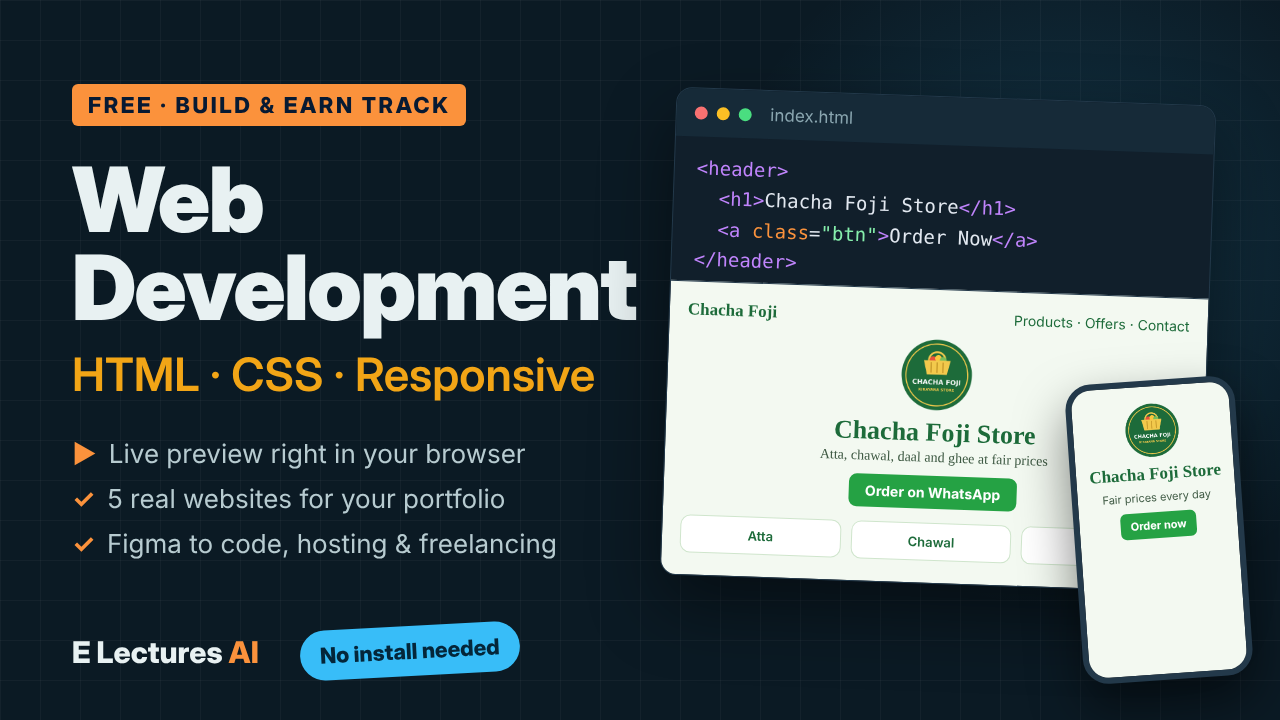
Web Development with HTML & CSS: Build Real Websites & Start Earning

Categories: Programming
Wishlist Share

About Course

Learn web development from absolute zero and build real, responsive websites, right in your browser. No software to install: every lesson has a live editor where you write HTML, CSS and JavaScript and see your page instantly, on desktop, tablet and mobile views.

This is not just a theory course. It is designed to take you from your first web page to working with real clients. You will learn the skills that businesses and freelance clients actually ask for: clean HTML, modern CSS layouts (Flexbox and Grid), responsive design, the JavaScript every website needs, Bootstrap and Tailwind, turning Figma designs into websites, and putting websites live on the internet.

Along the way you will build real projects for realistic clients, such as a local kiryana store, a restaurant, a school and a business, and finish with a portfolio of live websites you can show to clients and employers.

What makes this course different:
• Live editor with instant preview in every lesson, works on mobile too
• Automatic checking: every practice task tells you exactly what is right and what to fix
• Simple English with Roman Urdu help boxes for difficult ideas
• Real Pakistani examples: shops, schools, clinics, restaurants
• 4 complete projects plus mini-projects, with a portfolio of live websites at the end
• Figma to code, domain and hosting, client handover, and a practical freelancing guide
• Quizzes in every lesson and a final exam with live coding challenges

Who is this course for? Students, beginners with no coding background, and anyone who wants to start freelancing or get a junior web developer job.

Completely free. Learn at your own pace.

Show More

What Will You Learn?

  • Build complete websites with HTML5 and CSS3 from scratch
  • Create modern layouts with Flexbox and CSS Grid
  • Make websites that look great on mobile, tablet and desktop
  • Add interactivity with JavaScript: mobile menus, sliders, tabs, form checks, dark mode
  • Work faster with Bootstrap and Tailwind CSS
  • Turn Figma designs into pixel-perfect websites
  • Use VS Code, Git and GitHub like a professional
  • Put websites live with free hosting, connect a domain and hand over to clients
  • Customize WordPress websites using your HTML and CSS skills
  • Improve SEO, speed and accessibility so websites rank and work for everyone
  • Build a portfolio of live websites for clients and employers
  • Start freelancing on Fiverr and Upwork and find local clients, with honest pricing and scam awareness

Course Content

Getting Started with the Web
How websites work, the roles of HTML, CSS and JavaScript, the tools of a web developer, and your first complete web page.

  • How the Web Works
  • Your First HTML Page
  • Tools of a Web Developer
  • HTML Rules and Common Mistakes
  • Mini Project: Your First Web Page

HTML Basics: Text, Headings & Links
Headings, paragraphs, text formatting, lists and links: the building blocks of every page.

Images, Media & Tables
Add images the right way, embed video and audio, and present data in clean tables.

Forms
Build contact, order and admission forms with the right input types and built-in validation.

Semantic HTML & Accessibility
Structure pages with header, nav, main and footer so they are clear for Google, screen readers and every visitor.

CSS Basics: Colors, Fonts & Selectors
Style pages with CSS: selectors, colours, fonts, Google Fonts and how styles are applied.

The Box Model & Spacing
Master margin, padding, borders, width and box-sizing to control the space around every element.

Flexbox
Build navigation bars, cards and perfectly aligned layouts with Flexbox.

CSS Grid
Create galleries, dashboards and full page layouts with CSS Grid.

Responsive Design
Mobile-first design, media queries and flexible units so websites work on every screen.

Styling Like a Pro
Gradients, shadows, transitions, hover effects and animations that make websites feel modern.

JavaScript Essentials for Websites
The JavaScript every website needs: mobile menus, sliders, tabs, form checks and dark mode.

Bootstrap & Tailwind
Build faster with the two most requested CSS frameworks, and learn when to use each one.

Design to Code: Figma to Website
Read a Figma design, take its colours, fonts and spacing, and turn it into a pixel-perfect website.

Professional Workflow
VS Code, project structure, clean code, CSS variables, and Git and GitHub like a professional.

Going Live: Domain, Hosting & Handover
Publish websites for free with GitHub Pages and Netlify, connect a domain, and hand websites over to clients.

Project 1: Personal Portfolio Website
Build and publish your own portfolio website, the first thing every client and employer will see.

Project 2: Restaurant / Shop Landing Page
A complete responsive landing page with a menu, offers, a WhatsApp button and a contact form.

Project 3: School / College Website
A multi-page website with home, admissions, faculty and gallery pages.

Project 4: Client Brief to Live Business Website
The full client process: requirements, design, revisions, invoice, going live and handover.

WordPress for Web Developers
When WordPress is the better choice, how to customize themes, and how to use your HTML and CSS skills there.

SEO, Speed & Accessibility
Help websites appear on Google, load fast and work for everyone.

Practice Challenges
Rebuild real-world designs exactly, to sharpen your skills before working with clients.

Earning with Web Development
Portfolio, Fiverr and Upwork gigs, local clients, pricing, contracts and avoiding scams.

Final Exam
Test everything you learned with multiple-choice questions and live coding challenges.