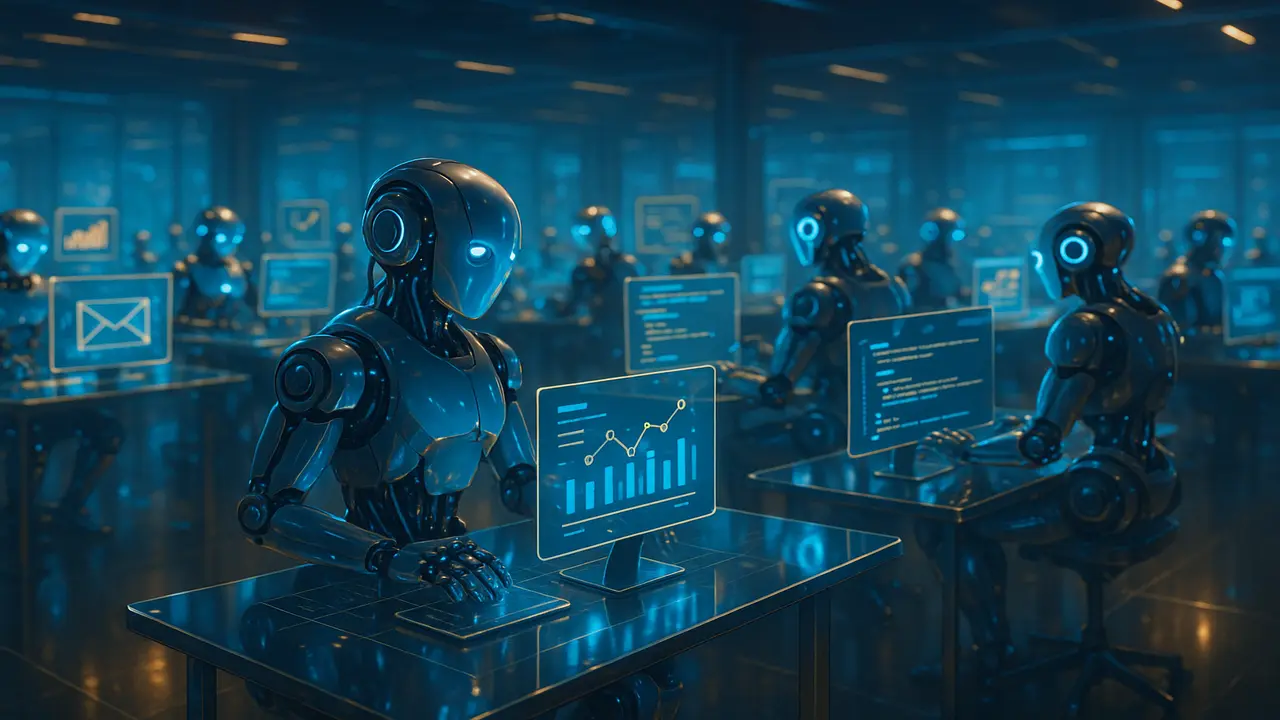
Next-generation AI agents running full workflows without human input emails, reports, customer support, coding, and more.
AI agents are no longer just “smart chatbots.” In 2025, AI agents act like digital workers: they read instructions, break tasks into steps, call tools, talk to APIs, and complete full workflows with almost no human help. From replying to customer emails to drafting code and updating CRM records, AI agents are quietly becoming the new “junior employees” inside modern organizations.
In this article, we’ll break down how AI agents evolved, how they actually work under the hood, where they’re being used today, and what limitations you still need to respect before handing them your entire business.
From Chatbots to AI Agents: The Evolution
Early AI systems were mostly single-turn:
- You ask a question → model replies → done.
Then came LLM-powered chatbots (like customer support bots), which kept context across a conversation but still waited for the user’s next message to act. These chatbots were reactive, not proactive.
AI agents 2.0 are different in three key ways:
- They have goals, not just prompts
Instead of answering, “What is our top-selling product?” you can say:
“Generate a weekly sales report, email it to the team, and update the dashboard.”
The agent treats this as a goal and figures out the steps. - They can take actions using tools / APIs
Modern AI agents plug into:- CRMs (HubSpot, Salesforce etc.)
- Email systems
- Databases / spreadsheets
- Project management tools (Jira, Notion, Trello)
Using “tool calling” or “function calling,” they don’t just talk they do.
- They can loop and self-correct
Agents can:- Plan → Act → Observe result → Adjust
- Retry a failed API call
- Ask a clarifying question if needed
- Repeat a weekly or daily workflow on schedule (if wired into a scheduler)
This evolution from chat → tools → agents is why many teams now call them “AI workers” rather than just assistants.
How AI Agents Work: Task Graphs & Planning
Under the hood, AI agents don’t see your instructions as one long text. They convert them into something like a task graph.
2.1. What is a Task Graph?
A task graph is a structure where:
- Nodes = tasks
- Edges = dependencies
Example goal:
“Send a personalized onboarding email to every new user who signed up this week, and add a follow-up reminder for next week.”
The task graph might look like:
- Fetch new users from database
- For each user:
- Generate personalized email copy
- Send email via SMTP or API
- Create follow-up task in CRM
Some systems build this graph explicitly (a DAG – Directed Acyclic Graph). Others let the LLM dynamically decide the next step at each turn. But the idea is the same: break the big job into smaller, ordered jobs.
2.2. Planning vs. Direct Execution
There are two common styles of AI agents:
- Planner–Executor agents
- Step 1: Create a full plan (list of steps)
- Step 2: Execute steps one by one, checking results
This is great when tasks are complex or have many dependencies.
- Reactive loop agents
- Observe environment → Decide next action → Act → Observe again
This is useful for open-ended tasks like “monitor inbox and respond.”
- Observe environment → Decide next action → Act → Observe again
In both styles, AI agents use your goal + available tools to decide what to do next.
Multi-Step Autonomy: What Can AI Agents Actually Do?
When people hear “autonomous,” they think sci-fi robots. But in most companies today, AI agents are automating office work, not factories.
Here are some realistic multi-step workflows AI agents handle well:
3.1. Email & Communication Workflows
Typical “AI agent as email worker” pipeline:
- Watch a shared inbox (support@, info@, careers@).
- Categorize each email (support, sales, billing, spam, urgent).
- Draft replies using company policy and knowledge base.
- Send automatic replies for simple queries.
- Route complex ones to a human with a suggested answer.
Over time, the agent learns from which suggested replies humans accept or edit, and improves its pattern.
3.2. Reporting & Analytics
A reporting agent can:
- Pull metrics from analytics tools (Google Analytics, Mixpanel, Stripe, etc.).
- Query databases or data warehouses.
- Generate charts + plain-English summaries.
- Create a PDF or slide deck.
- Email the weekly report to stakeholders.
No more manual copy-paste spreadsheets every Monday.
3.3. Coding & DevOps Helpers
Technical AI agents for developers can:
- Scan pull requests and comment on bugs or style issues.
- Update documentation after code merges.
- Run tests and summarize failures in simple language.
- Generate boilerplate for new services or deployments.
In a controlled environment, they can even auto-fix simple issues and open pull requests themselves.
3.4. Customer Support & Knowledge Agents
Knowledge-based agents can:
- Search across documentation, FAQs, tickets, and internal wikis.
- Provide consistent answers to customers.
- Create or update FAQ entries when it notices repeated questions.
- Tag tickets (billing, bug, feature request) and escalate accordingly.
Instead of your team answering the same “How do I reset my password?” question 100 times, AI agents can handle 70–80% of routine tickets while humans focus on the tricky edge cases.
Real Examples of AI Agents in Action
Here are some practical ways businesses are using AI agents today:
4.1. Sales & CRM Agents
- Enrich new leads with public data (LinkedIn, company info).
- Write personalized outreach emails based on the lead’s role and industry.
- Log all interactions in CRM without humans typing notes.
- Auto-create follow-up reminders and sequences.
Result: sales reps talk to more qualified people and waste less time on admin.
4.2. HR & Recruiting Agents
- Screen resumes for role fit using clear criteria (skills, projects, years).
- Draft polite rejection emails or interview invites.
- Pull candidate info into structured formats for hiring managers.
- Summarize interview feedback and highlight key signals.
Recruiters then focus on relationship-building, not admin chores.
4.3. Back-Office & Operations Agents
- Reconcile invoices and payment records.
- Flag anomalies or suspicious transactions.
- Update inventory or order statuses.
- Generate compliance or audit logs.
This saves hours of repetitive “update this sheet, then that dashboard” work.
Limitations & Risks You Must Respect
AI agents are powerful but not magic. Before fully trusting agents with critical workflows, you need to understand their limitations.
5.1. Hallucinations & Wrong Assumptions
Even advanced AI agents can:
- Invent facts when they don’t know.
- Misinterpret ambiguous instructions.
- Guess numbers or details instead of saying “I don’t know.”
If the agent is:
- Writing blog drafts → low risk.
- Sending legal documents or handling money → high risk.
Solution: introduce guardrails:
- Clear policies: what the agent may and may not do.
- Validation steps: humans approve high-impact actions.
- Tool constraints: restrict dangerous actions (like large transfers).
5.2. Data Privacy & Security
Since AI agents often plug into email, CRMs, internal tools, and databases, they can see a lot of sensitive information.
Risks include:
- Over-sharing sensitive data in generated emails.
- Accessing records they shouldn’t see.
- Storing data in logs or third-party systems without proper controls.
Mitigation steps:
- Principle of least privilege: only give the agent access to what it really needs.
- Audit logs for every action the agent takes.
- Encryption, anonymization, and strict retention policies.
5.3. Reliability & Edge Cases
Agents can perform brilliantly on “normal” days and fail on edge cases:
- Unexpected API changes.
- New types of requests they’ve never seen.
- Conflicting instructions or missing data.
To handle this, you should:
- Start with narrow, well-defined tasks.
- Have fallback paths: “If unsure → ask a human.”
- Continuously monitor outputs and correct them.
5.4. Over-Autonomy Without Accountability
The biggest danger is letting AI agents act without humans knowing what they’re doing.
You must design:
- Clear ownership: which human/team is responsible for each agent.
- Transparent logs: what actions were taken, why, with which inputs.
- Stop switches: a quick way to pause or disable an agent if something goes wrong.
How to Get Started with AI Agents in Your Workflow
If you’re thinking, “This sounds great, but where do I start?” start small and specific.
Step 1 – Pick one painful manual workflow
Examples:
- Weekly performance report
- First reply to support tickets
- Lead enrichment and first contact
Step 2 – Map the steps
Write it like a recipe:
- Input source (inbox, database, form).
- Decisions that need to be made.
- Tools the agent will use (APIs, CRM, email).
- Final output (email, report, ticket, task).
Step 3 – Put a human in the loop
Let the agent:
- Draft the response
- Prepare the report
- Fill the CRM
but you approve the final action at first.
Step 4 – Automate gradually
Once you trust the output:
- Let the agent auto-send low-risk messages.
- Keep human review for high-risk or VIP tasks.
Over time, your AI agents will handle more of the “boring” work while humans focus on strategy and creativity.
The approach followed at E Lectures reflects both academic depth and easy-to-understand explanations.
People also ask:
AI agents are advanced AI systems that can understand goals, break tasks into steps, and complete full workflows using tools and APIs. They act like digital workers that automate emails, reports, coding tasks, and customer support.
Chatbots only reply to messages. AI agents can plan tasks, call external tools, update databases, generate reports, and continue working without waiting for user input. They perform actions, not just conversations.
AI agents can automate inbox replies, ticket sorting, CRM updates, analytics reporting, code reviews, data entry, HR screening, lead enrichment, invoice checks, and more. They handle repetitive digital work end-to-end.
Yes if used with guardrails. You must limit their permissions, track their actions, and keep a human in the loop for sensitive tasks. This ensures they don’t send incorrect information or access restricted data.
No. They replace repetitive manual work, not human creativity or decision-making. Humans still supervise strategy, complex cases, and final approvals.
Begin with one simple workflow like weekly reports or support replies. Let the agent draft outputs while a human reviews them. Once accuracy improves, gradually automate more low-risk tasks.
The main risks are hallucinations, incorrect assumptions, privacy issues, and acting without oversight. Clear rules, careful monitoring, and limited access help prevent mistakes.
![Top 10 Ways AI Automation for Business Is Transforming the Future [2025 Edition]](https://electuresai.com/wp-content/uploads/2025/12/A_digital_illustration_serves_as_the_header_image__featured_converted-768x432.webp)