Applications and TCP/IP model: layers, encapsulation, ports, TCP vs UDP, IP addressing, routing, NAT, MTU/TTL plus hands-on commands and diagrams.
Why TCP/IP Still Matters?
Every web request whether your site uses React, Django, or Node relies on TCP/IP. Knowing the layers helps you debug latency, timeouts, CORS-looking errors that are actually network issues, and intermittent failures from MTU or NAT quirks.
TCP/IP vs OSI (Fast Mapping)
| OSI | TCP/IP (this course) | Examples |
|---|---|---|
| 7 Application | Application | HTTP, DNS, SMTP, FTP, SSH |
| 6 Presentation | (handled by apps/frameworks) | JSON, TLS record formatting |
| 5 Session | (often app or TCP features) | Cookies, tokens |
| 4 Transport | Transport | TCP, UDP |
| 3 Network | Internet | IP, ICMP, routing |
| 2 Data Link | Link | Ethernet, Wi-Fi, ARP |
| 1 Physical | Link | Cables, radio |
Our lectures use the practical 4-layer TCP/IP view. (Some textbooks split Link into Physical + Data Link.)
The Layers (What They Do)
Link
Moves frames on the local network (Ethernet/Wi-Fi). Uses MAC addresses and ARP to map IP→MAC.
Internet (IP)
Provides logical addressing and routing between networks. Key fields: source/destination IP, TTL (hop limit), protocol (TCP=6, UDP=17).
Transport (TCP/UDP)
Adds ports, multiplexing, and reliability/ordering (TCP) or minimal overhead (UDP).
Application
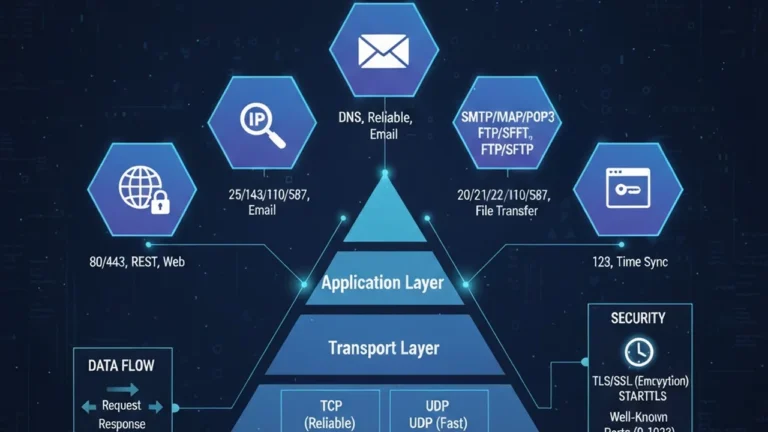
Actual protocols users care about: HTTP/HTTPS, DNS, SMTP, FTP/SFTP, SSH, NTP. (We deep-dive services in Lecture 3.)
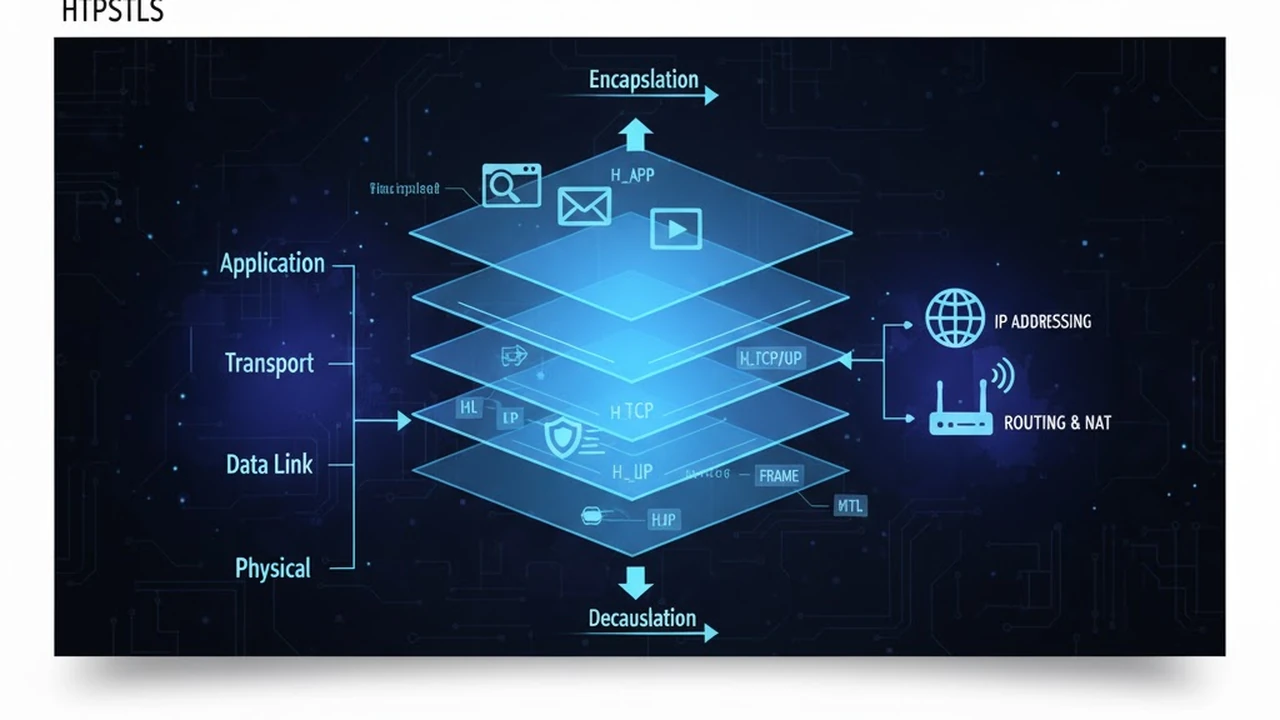
![As data goes down the stack it gets headers: App data → [TCP segment] → [IP packet] → [Link frame].](https://electuresai.com/wp-content/uploads/2025/11/lec2_diagram_B_1280x720-1024x576.webp)
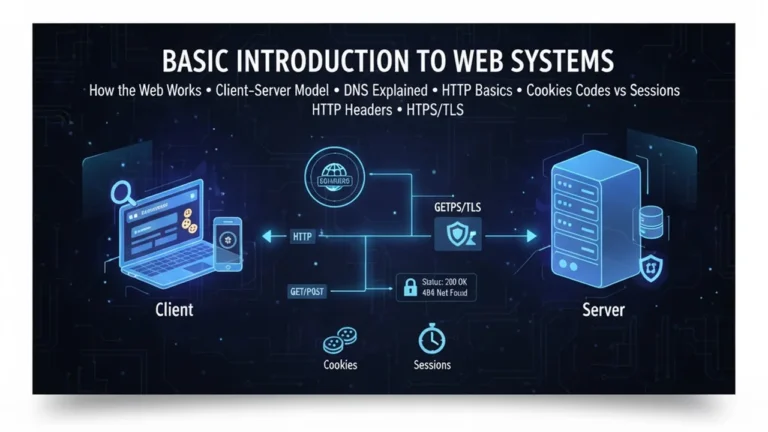
Basic Introduction of Web Systems Client–Server, DNS, HTTP/HTTPS Explained
Ports, Sockets & Well-known Services
- A port identifies an application endpoint on a host (0–65535).
- A socket is IP + port (and for TCP, includes the peer’s IP/port too).
- Well-known ports: 80/443 HTTP(S), 53 DNS, 25 SMTP, 22 SSH, 21/20 FTP, 123 NTP.
TCP vs UDP (When to Use Which)
TCP (reliable, ordered, congestion-controlled)
- Use for web pages/APIs, logins, transactions.
- Features: 3-way handshake, ACKs, retransmission, flow/congestion control.
UDP (fire-and-forget, minimal overhead)
- Use for DNS, live audio/video, gaming, telemetry.
- No reliability built-in; apps handle loss if needed.
IP Addressing & Subnets (CIDR)
- IPv4 example:
192.168.1.42/24→ network192.168.1.0, mask255.255.255.0. - Private ranges:
10.0.0.0/8,172.16.0.0/12,192.168.0.0/16. - CIDR lets us represent networks flexibly;
/24= 256 addresses,/30= 4, etc.
Routing, TTL, MTU & Fragmentation
- Routing: Packets hop router-to-router based on destination IP.
- TTL: Decrements per hop; prevents loops (ICMP Time Exceeded if zero).
- MTU: Largest frame payload a link carries (e.g., 1500 on Ethernet).
- Fragmentation: If a packet is too large and DF isn’t set, routers may fragment; otherwise sender must reduce size (Path MTU Discovery).
NAT, Firewalls & Common Pitfalls
- NAT rewrites addresses/ports to let many private hosts share one public IP.
- Firewalls allow/deny flows by IP, port, protocol, state.
- Symptoms: works on Wi-Fi but not on mobile data (carrier NAT/firewall), pings OK but HTTP fails (port blocked), DNS resolves but TCP connect times out.
Application Layer Examples (Preview for L3)
- HTTP/HTTPS: Web pages, APIs
- DNS: Names→IP addresses
- SMTP/IMAP: Email routing and retrieval
- FTP/SFTP: File transfer
- SSH: Secure remote shell
- NTP: Time synchronization
Hands-On Mini Lab
- Find your IP & gateway:
- Windows
ipconfig, macOS/Linuxifconfigorip addr.
- Windows
- Ping a site:
ping example.commeasure latency and packet loss. - Traceroute:
tracert example.com(Win) /traceroute example.com(macOS/Linux) see hops and TTL effects. - Test a port:
curl -I https://example.comornc -vz example.com 443. - Capture a handshake (optional): open Wireshark, filter
tcp.port==443, load a website, observe SYN/SYN-ACK/ACK.
Troubleshooting Cheatsheet
- No DNS? Names don’t resolve but pinging the IP works → check DNS resolver.
- Handshake hangs? Likely firewall/NAT blocking the port.
- Packet loss? Inspect hops around loss with traceroute; try a different network.
- MTU issues? Large payloads fail while small ones succeed → enable PMTUD or lower MTU.
The approach followed at E Lectures reflects both academic depth and easy-to-understand explanations.
Summary
- TCP/IP organizes communication into layers with clear responsibilities.
- Encapsulation is how data moves across the stack; ports identify processes.
- Choose TCP for reliability; UDP for low latency.
- Understanding IP addressing, routing, NAT, MTU, and TTL is essential for debugging.
People also ask:
TCP is reliable and ordered; it retransmits lost packets. UDP is faster with lower overhead but offers no delivery guarantees
IPv4 remains dominant due to legacy systems and NAT workarounds. IPv6 adoption is growing and removes NAT by providing a huge address space.
It’s a number that identifies a process on a host. A socket uses IP + port to uniquely identify a connection.
Traceroute sends packets with increasing TTL; routers that drop them return ICMP Time Exceeded, revealing each hop.
If small requests succeed but large payloads or VPN traffic stalls, test for path MTU problems and adjust MTU or DF settings.