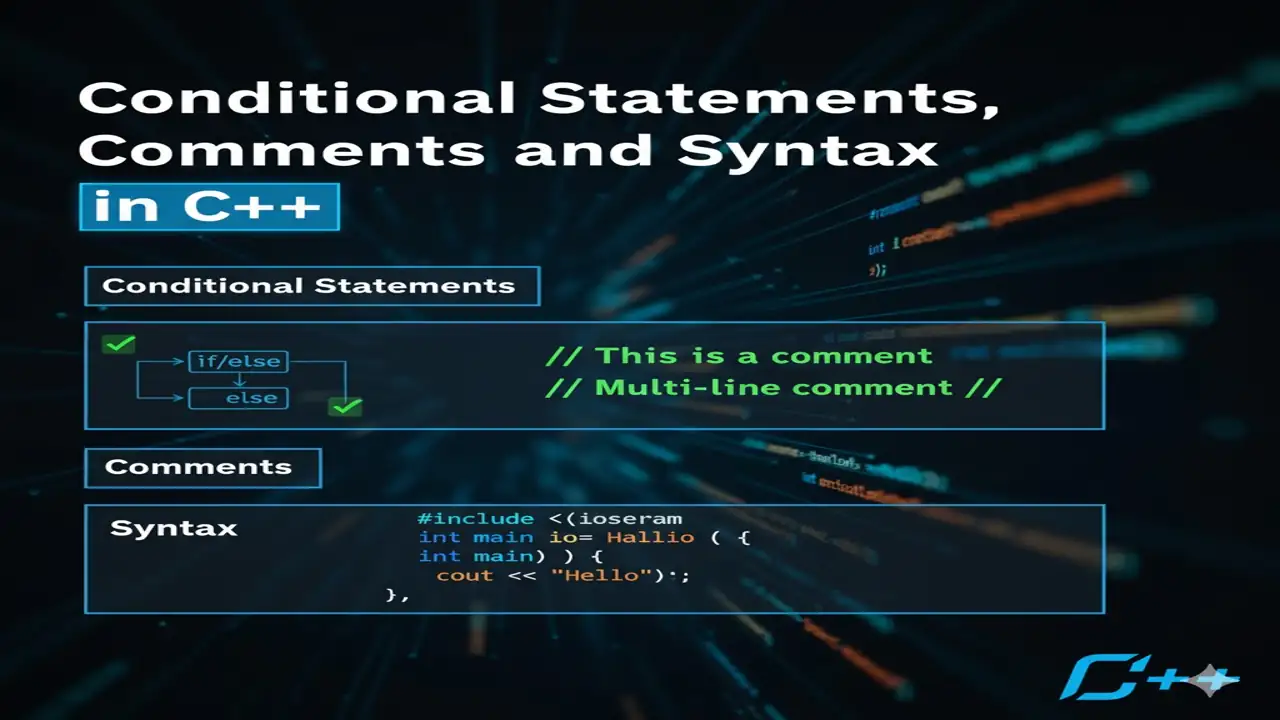
Learn the fundamentals of C++ conditional statements, comments, and syntax. This lecture covers if, else, nested if-else, and else-if ladders with clear syntax, real-world examples, and outputs. You’ll also understand how comments work in C++ and how to write error-free programs using proper syntax rules. Ideal for beginners in computer science or BSAI programming courses.
Understanding Conditional Statements in C++
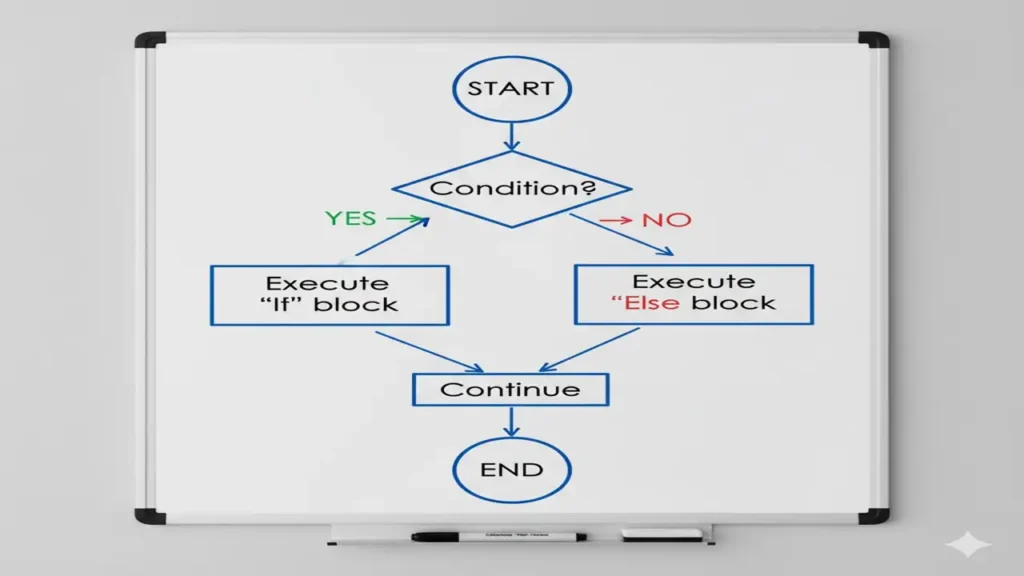
Conditional statements are used to make decisions in a program. They allow specific blocks of code to execute only if certain conditions are true.
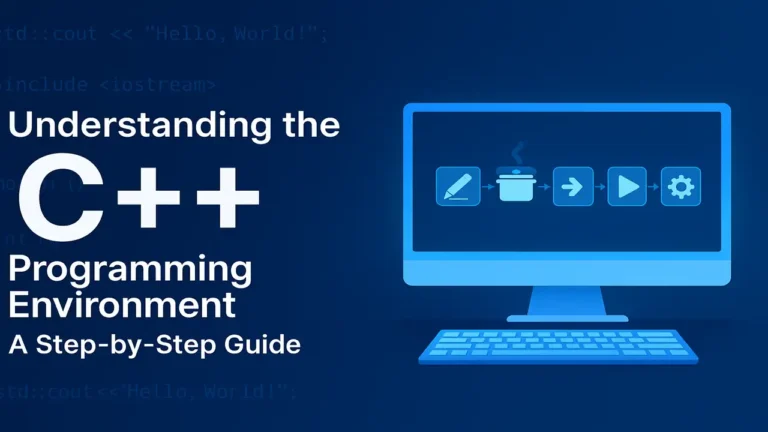
A beginner to pro guide on C++ programing environment , a step by step guide from beginner to pro.
The if Statement in C++
The if statement checks a condition and executes code only when the condition is true.
Syntax
if (condition) {
   // code to execute if condition is true
}Example:
int number = 10;
if (number > 0) {
    cout << "The number is positive.";
}Output:The number is positive.
The else Statement in C++
The else statement runs an alternative block when the if condition is false.
Example:
int age;
cin >> age;
if (age >= 18) {
    cout << "You are an adult.";
} else {
    cout << "You are a minor.";
}
Output:
- Input: 17 → You are a minor.
- Input: 20 → You are an adult.
Nested if…else Statements
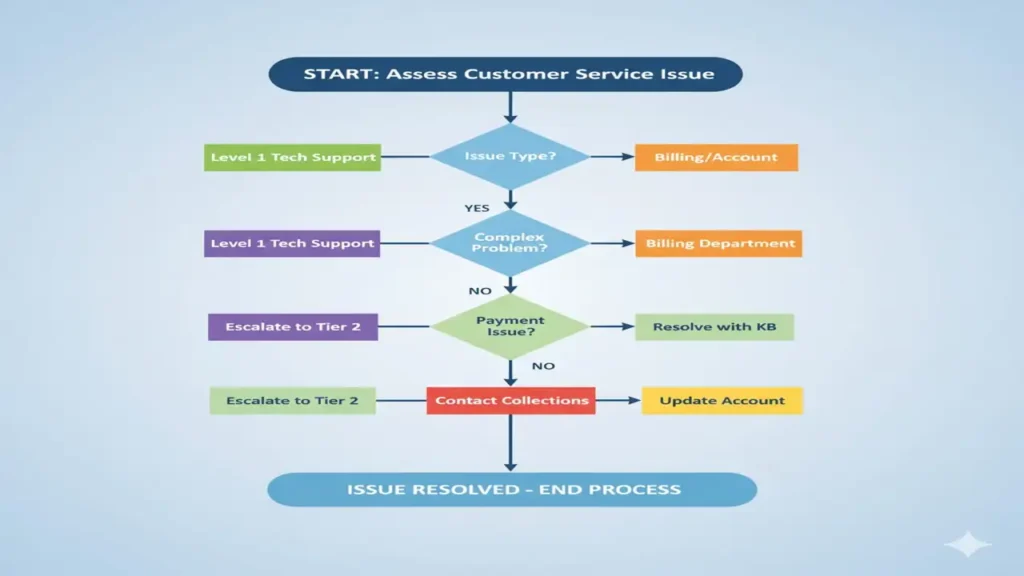
A nested if…else means one conditional statement inside another. It’s used when one decision depends on another.
Example:
int marks, attendance;
cin >> marks >> attendance;

if (marks >= 50) {
    if (attendance >= 75)
        cout << "You passed & eligible.";
    else
        cout << "You passed but not eligible.";
} else {
    cout << "You failed the exam.";
}
The else-if Ladder
An else-if ladder allows checking several conditions one after another the first true condition executes and skips the rest.
Example:
int marks;
cin >> marks;

if (marks >= 85)
    cout << "Grade: A (Excellent)";
else if (marks >= 70)
    cout << "Grade: B (Good)";
else if (marks >= 55)
    cout << "Grade: C (Average)";
else if (marks >= 40)
    cout << "Grade: D (Pass)";
else
    cout << "Grade: F (Fail)";
Comments in C++
Comments are non-executable notes that help programmers explain their code. They improve readability and maintainability.
Types
| Type | Syntax | Description |
|---|---|---|
| Single-line | // comment text | Used for short explanations |
| Multi-line | /* comment text */ | Used for longer descriptions |
Example:
// Single line comment
int x = 10;  // declare variable
/* This block explains
   how the code works */
Syntax Rules in C++
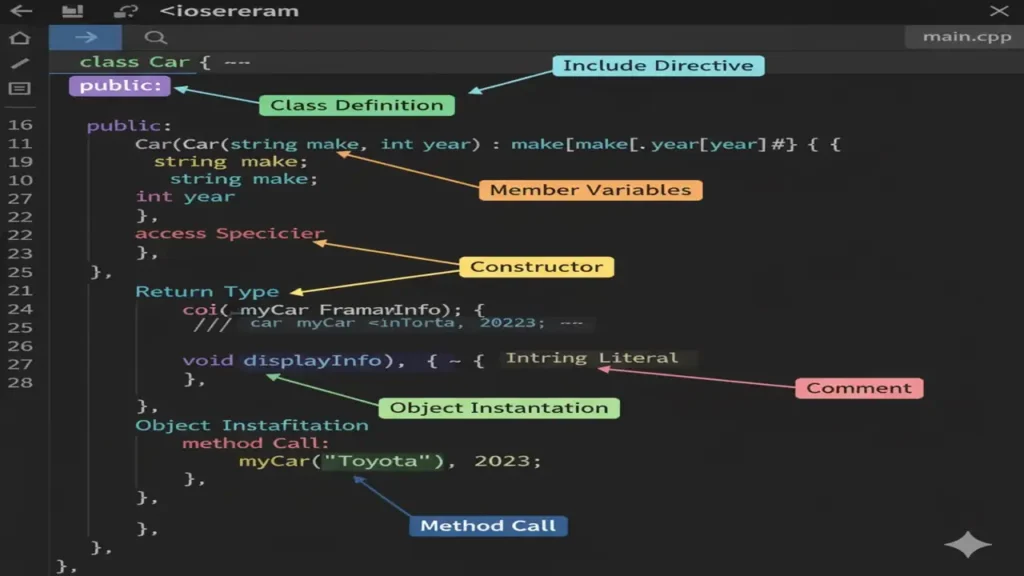
Syntax refers to the grammar of the programming language how statements and symbols must be arranged for the compiler to understand them.
Key Rules
- Every statement ends with a semicolon
; {}define code blocks- C++ is case-sensitive (
main,Main,MAINare different) - Comments don’t affect syntax
- Reserved keywords can’t be variable names
- Functions must have correct declarations
Example:
#include <iostream>
using namespace std;

int main() {
    cout << "Hello, World!";
    return 0;
}
Basic Structure of a C++ Program
A C++ program follows a specific structure including header files, namespace, main function, and statements.
#include <iostream>
using namespace std;

int main() {
    cout << "Hello, World!";
    cout << "I am Ali";
    cout << "My Age is 99";
    return 0;
}
Conclusion
Understanding conditional statements, comments, and syntax forms the foundation of programming in C++. These concepts enable decision-making, improve code clarity, and ensure your program runs correctly. Mastering them will prepare you for advanced topics such as loops, functions, and object-oriented programming.
People also ask:
Conditional statements like if, if-else, else-if, and switch are used to make decisions based on conditions cpog.
Use // for single-line comments and /* ... */ for multi-line comments.
// This is a single-line comment
/* This is
a multi-line comment */
if (condition) {
// code if true
} else {
// code if false
}