CASE Tool Integration
Learn about the approaches to CASE tool integration data, control, presentation, process, and platform integration with real-world examples, diagrams, and best practices for 2025.
Introduction to CASE Tool Integration
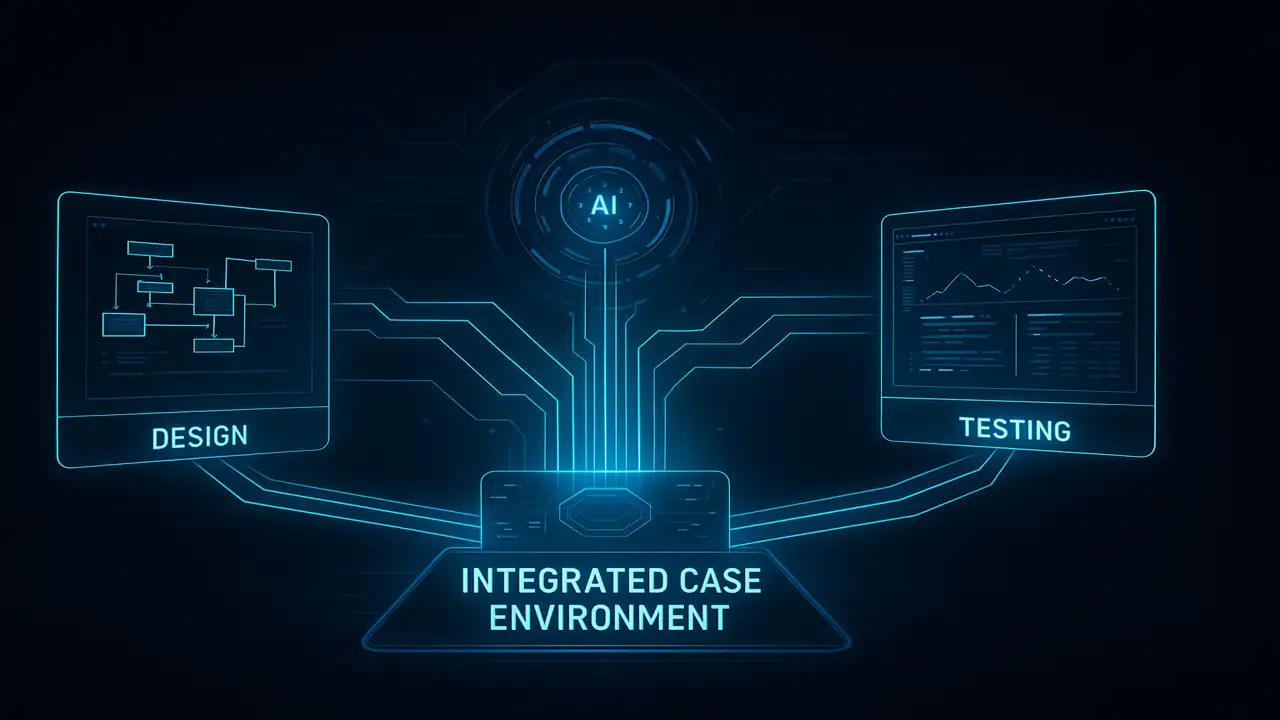
Computer-Aided Software Engineering (CASE) tools assist developers during different stages of software development from planning and design to coding and testing. However, since these tools perform different tasks, integration is essential so they can communicate and work together seamlessly.
In simple terms, integration means making the tools “talk” to each other, share data, and act as one unified system instead of several separate ones.

If you want to understand the basics of CASE tools, CASE Tools in Software Engineering (2025)
What Is Integration?
Integration is the process of combining separate systems or tools into a single, consistent unit.
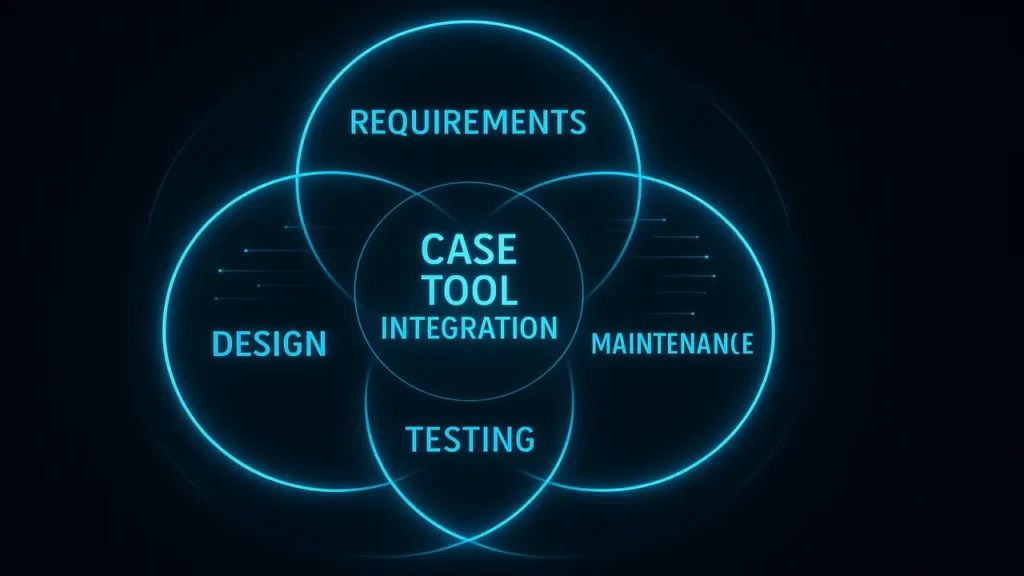
In CASE tools, it ensures that all stages requirements, design, coding, testing, and maintenance share information smoothly.
Think of it like teamwork: every member (or tool) does a specific job, but together they achieve the goal more efficiently.
Why Integration Matters
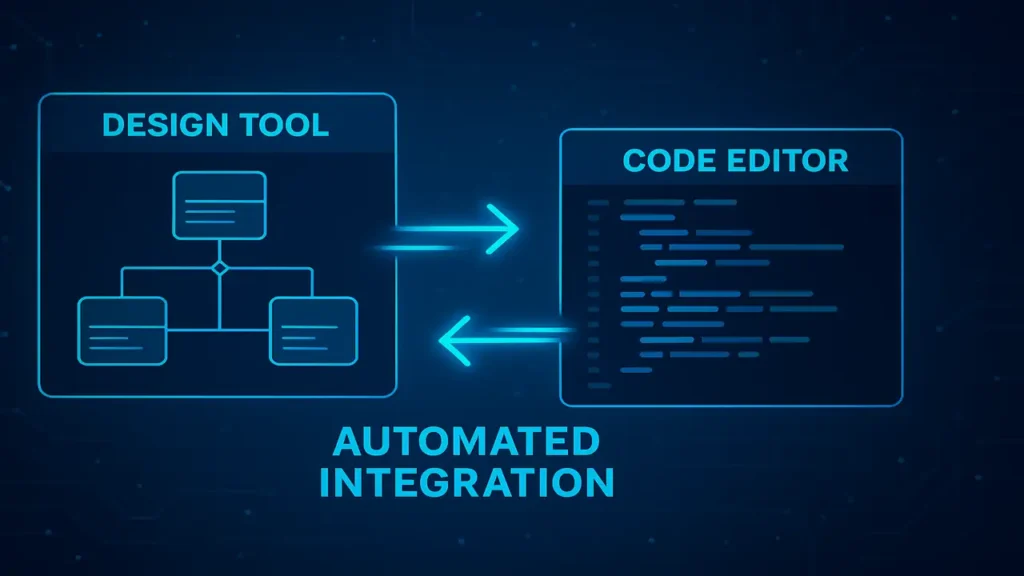
Without integration, a designer might create a UML diagram in one tool, and the programmer must manually retype it into another.
With integration, the design tool connects directly with the coding tool, automatically generating code saving time and reducing human error.
Types of CASE Tool Integration
1. Data Integration
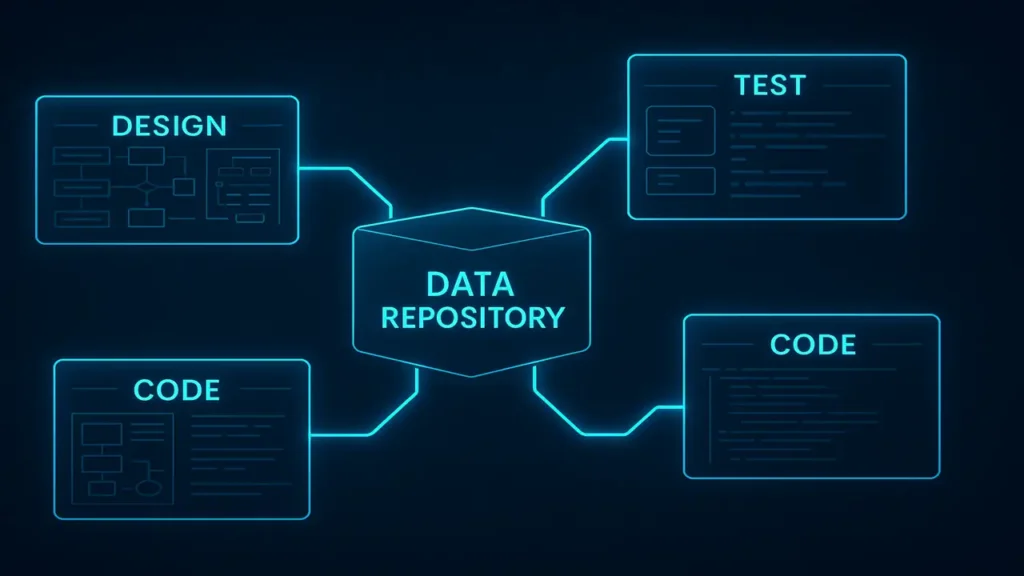
All tools share the same central database or repository to avoid version conflicts.
Example: In Enterprise Architect, requirements, designs, and code are stored in one repository.
If you’re new to programming and problem-solving, start with our beginner’s guide — Introduction to Problem Solving Programming Fundamentals
2. Control Integration
One tool can automatically trigger another tool’s action automating workflow steps.
Example: In Eclipse IDE, after writing code, the compiler and test suite can auto-run.
3. Presentation Integration
All tools share a common interface design, menus, and layout.
Example: Microsoft Visual Studio integrates coding, debugging, and database tools under a unified interface.
4. Process Integration
Tools are connected through a shared development methodology (e.g., Agile, Waterfall, or RUP).
This ensures every stage follows the same process framework.
Example: Rational Unified Process (RUP) integrates tools for requirements, design, and testing.
5. Platform Integration
All tools run on the same technical environment (like Eclipse), allowing easy plug-ins and compatibility.
Example: The Eclipse platform supports modeling, coding, and testing plug-ins in one place.
Integration as a Design Activity
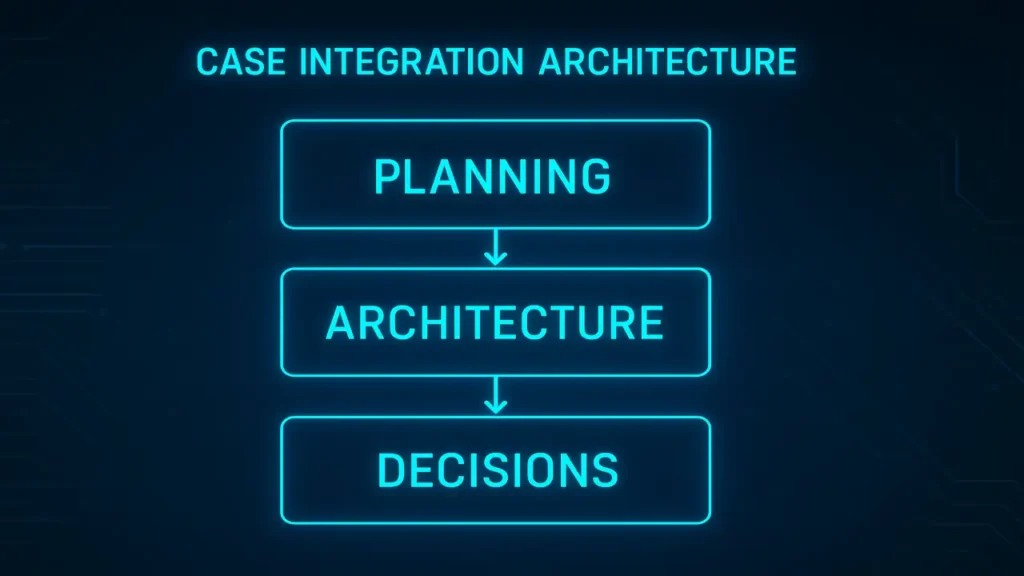
Integration doesn’t happen automatically it must be planned and designed.
Designers must think about planning, architecture, and decision-making to ensure all tools cooperate efficiently.
Why It’s a Design Activity
- CASE tools differ in data models, UIs, and formats.
- Integration involves multiple layers: data, control, process, and platform.
- Designers must choose the right balance tight integration ensures consistency, while loose integration keeps flexibility.
- Standards like XMI, XML, or middleware ensure interoperability.
Steps in Integration Design
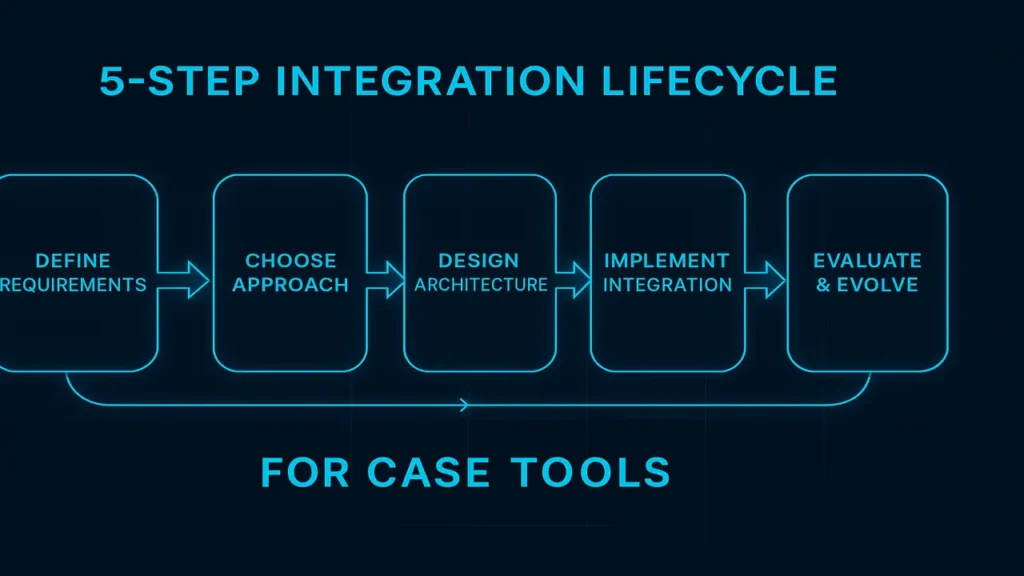
Integration follows a five-step process, similar to teamwork.
1. Defining Requirements
Identify what the integration should achieve and what tools need to communicate.
Example: Linking RequisitePro with Rational Rose so that requirement changes reflect automatically in design.
2. Choosing an Integration Approach
Select which type of integration (data, control, presentation, process, or platform) fits best.
Example: Connecting JIRA (requirements) with GitHub (code) using workflow automation.
3. Designing the Integration Architecture
Plan how data will flow using repositories, XML/XMI standards, or plug-in frameworks like Eclipse.
4. Implementing the Integration
Use APIs, plug-ins, and middleware to connect the systems.
Example: JIRA ↔ Jenkins integration for CI/CD pipelines.
5. Evaluating & Evolving
After deployment, test performance, fix issues, and evolve with new tools or methodologies.
Conclusion
CASE tool integration is the backbone of modern software engineering efficiency.
From unified data repositories to automated workflows and platform-based collaboration, integration transforms scattered tools into one intelligent ecosystem saving time, ensuring accuracy, and maintaining consistency across projects.