Service-Based Model of a CASE Environment
Learn how the Service-Based Model of a CASE Environment improves software development by offering flexible, reusable, and integrated tools for the entire SDLC.
Introduction
In modern software engineering, teams rely on Computer-Aided Software Engineering (CASE) environments to automate and streamline the software development process.
A service-based model is one of the most efficient ways to structure these environments where tools are treated as services that can be reused, replaced, or connected easily.

What is a CASE Environment?
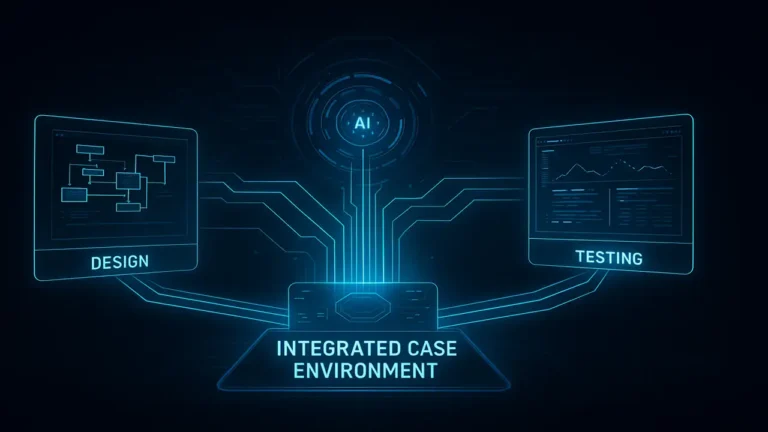
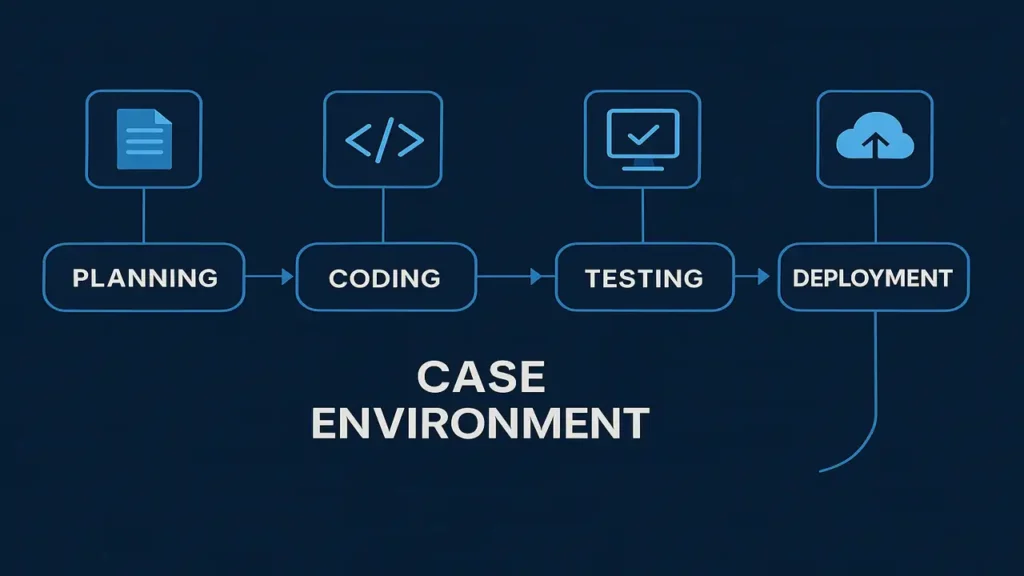
A CASE Environment is the platform that hosts and integrates different CASE tools such as design, testing, version control, and documentation tools allowing them to work together across the Software Development Life Cycle (SDLC).
It acts like a shared workspace where all tools communicate and share data, ensuring automation, consistency, and collaboration.
If you want to learn more about the different types, functions, and integration levels of CASE Tools, check out our detailed post:
👉 CASE Tools in Software Engineering: Types, Functions & Integration (2025)
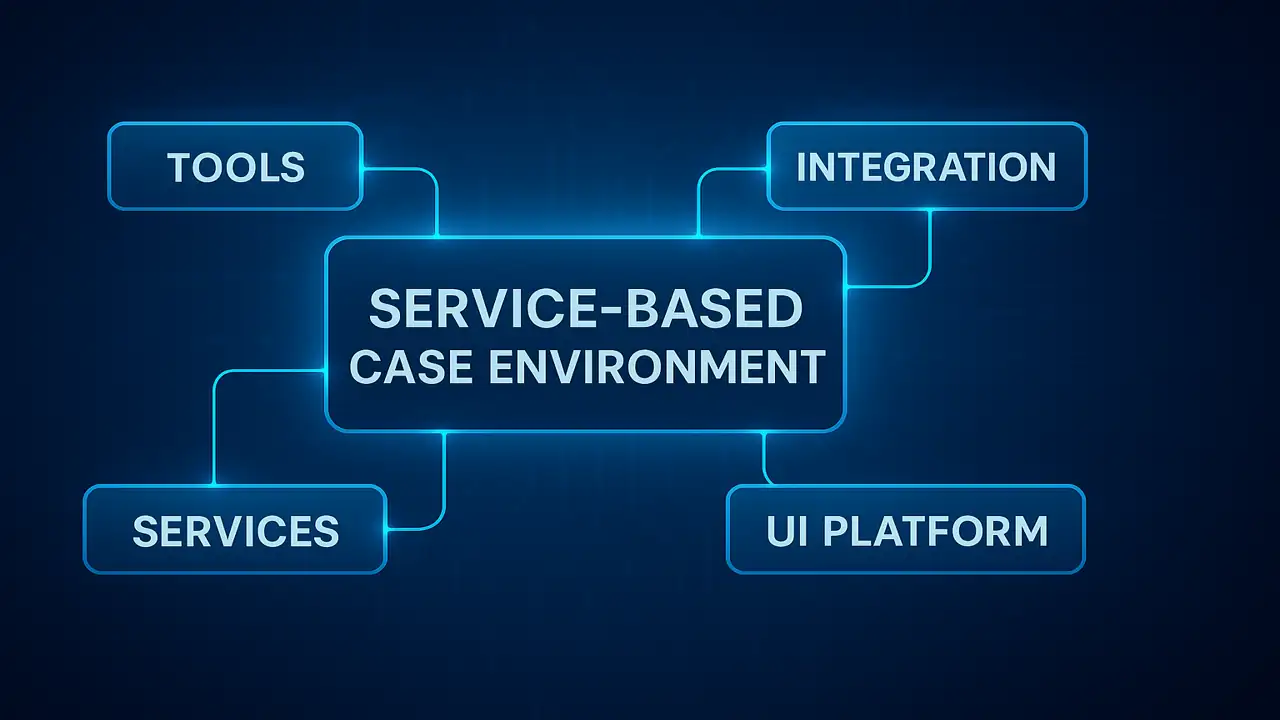
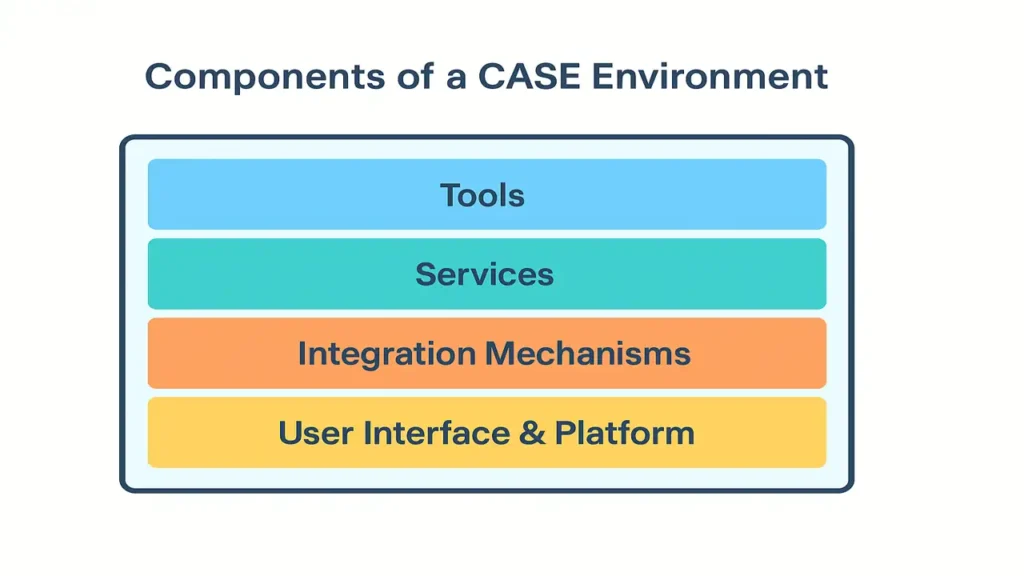
Components of a CASE Environment
- Tools: Specialized applications like Rational Rose, JIRA, or Eclipse UML plug-in for specific tasks.
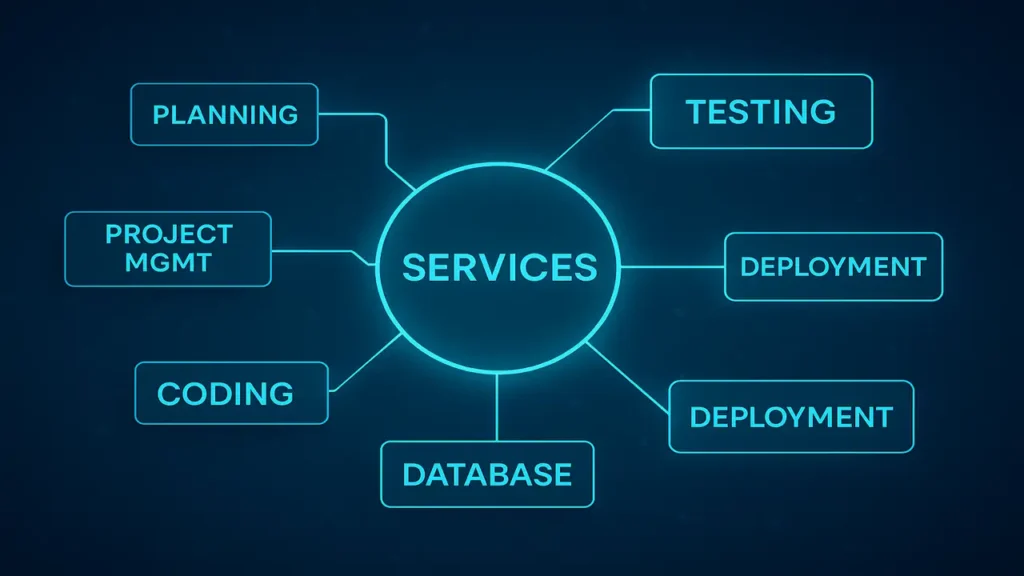
- Services: Shared facilities such as repositories, reporting, or version control.
- Integration Mechanisms: Methods connecting tools via data, control, or process integration.
- User Interface & Platform: Provides a consistent user experience across all tools (e.g., Eclipse IDE).
Why is a CASE Environment Needed?
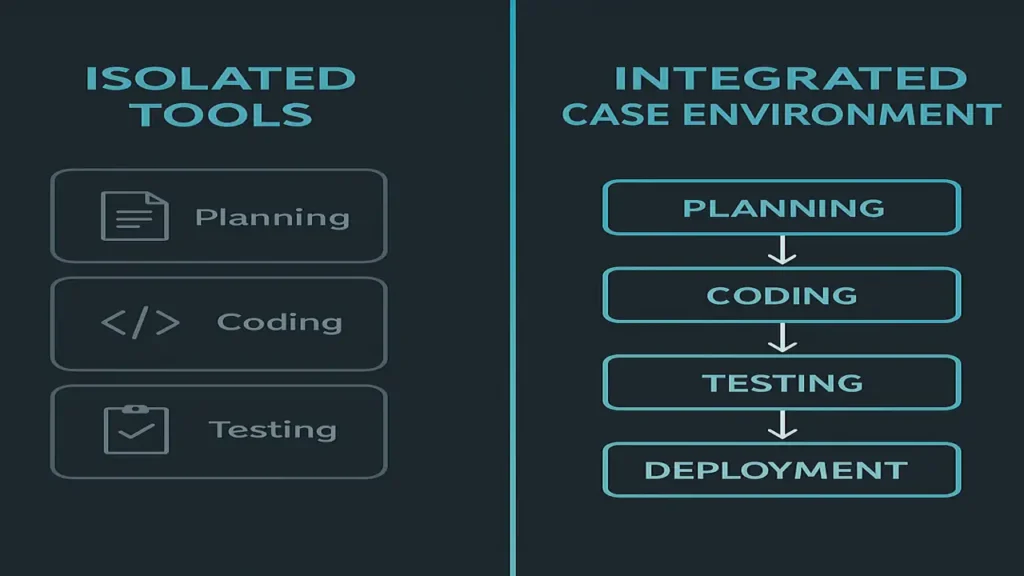
Without an integrated CASE environment, tools operate in isolation meaning they don’t communicate or share data. This leads to repeated work, data mismatch, and slower development.
A CASE environment eliminates isolation by making tools collaborative and interconnected, improving project visibility and efficiency.
Understanding the Service-Based Model
A Service-Based Model views the CASE environment as a collection of small, reusable services, instead of one large system.
Each tool can request these services like editing, testing, or compiling when needed.
This makes it easier to mix and match tools from different vendors as long as they follow the same service protocols.

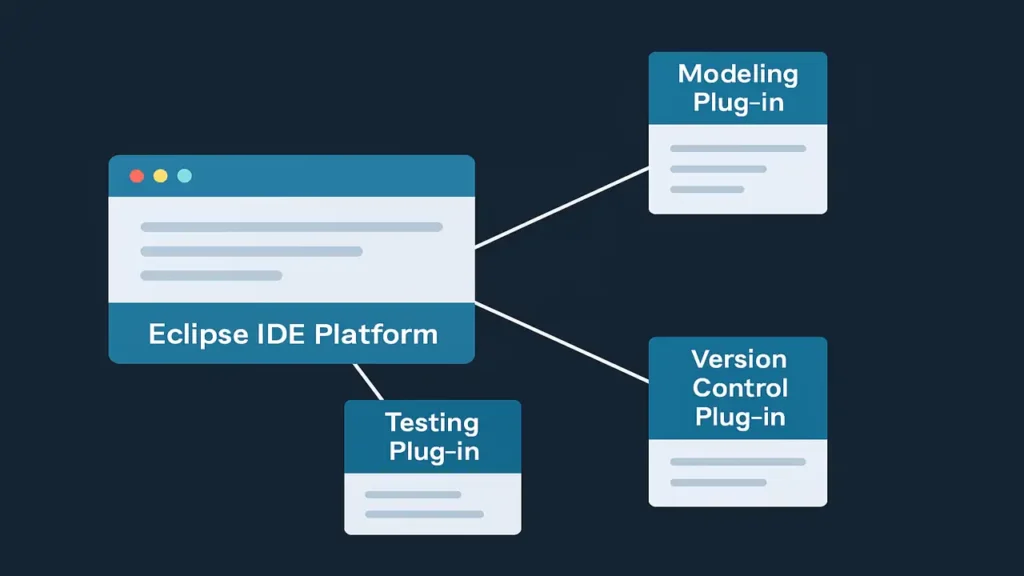
Example: Eclipse IDE Platform
Eclipse is a perfect real-world example of the service-based model.
It provides core services like:
- Text editing
- Project management
- User interface framework
Various plug-ins for modeling, version control, or testing use these services to work seamlessly within the same environment.
To understand how different CASE tools communicate and work together in real development environments, read this article:
👉 Approaches to CASE Tool Integration
Real-Life Analogy
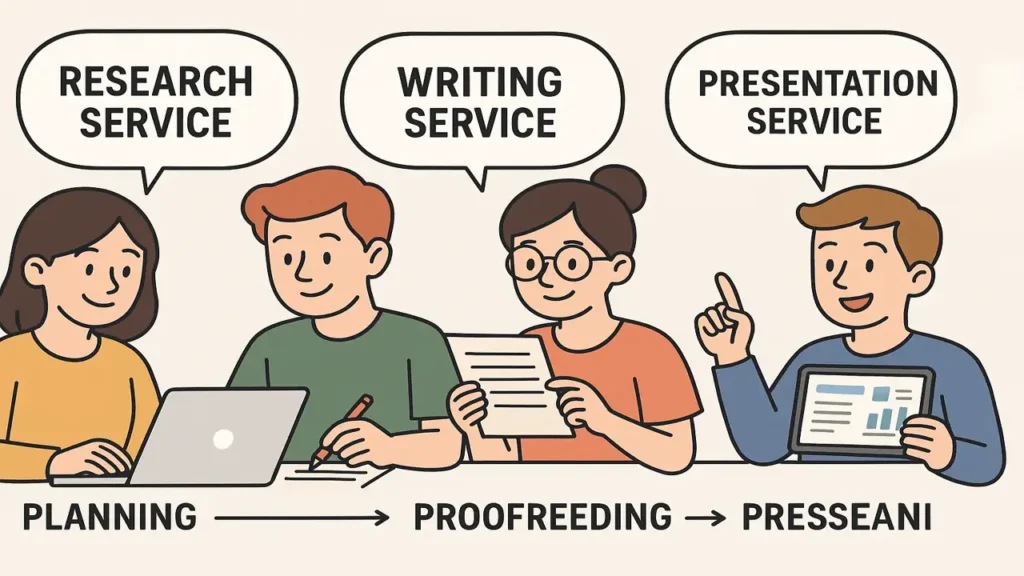
Imagine a student project team:
- One offers a research service
- Another a writing service
- Another a proofreading service
- Another a presentation service
Each member is like a service provider. If someone new joins or leaves, others can continue working. Similarly, in a service-based CASE model, tools can plug in or out without breaking the whole system.
Advantages of Service-Based Model
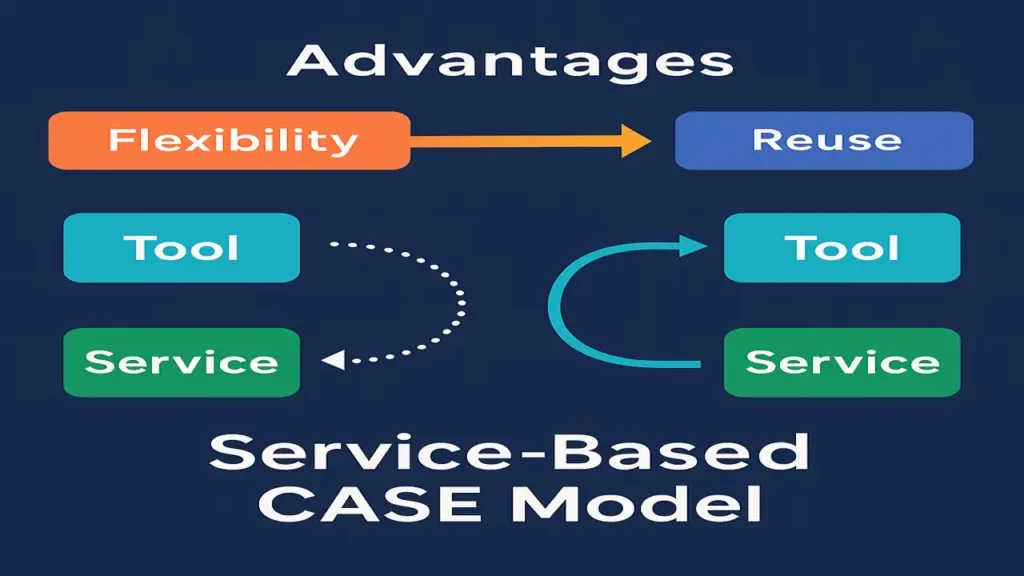
- Flexibility: Easy to add or replace tools.
- Reuse: Common services shared across tools.
- Vendor Interoperability: Tools from different vendors can collaborate.
- Evolution: Improve one service without disrupting others.
Challenges of Service-Based Model
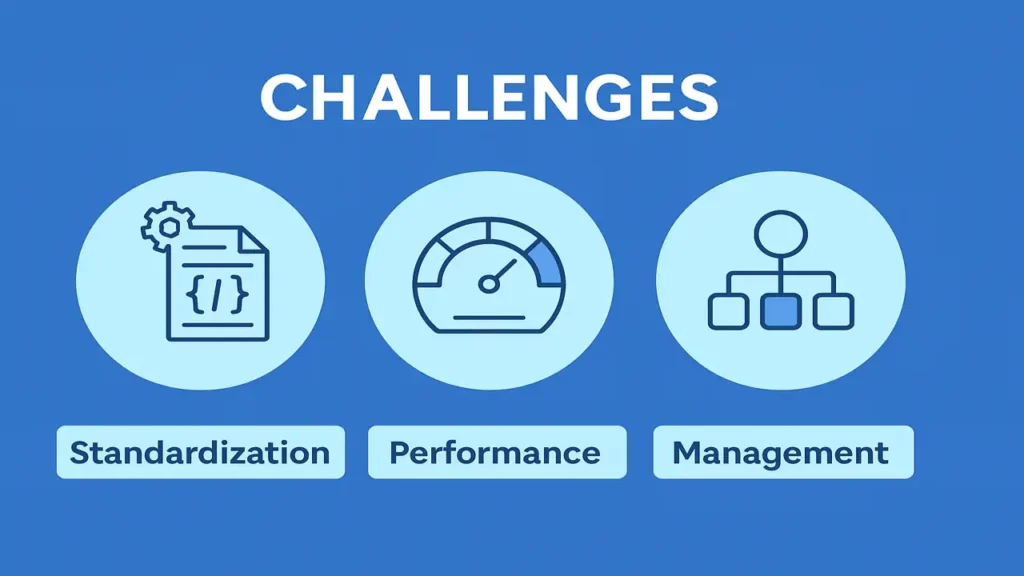
- Standardization: Tools must agree on service protocols (APIs, data formats).
- Performance: Communication across services may cause latency.
- Management: Tracking many services requires oversight and organization.
Examples of Modern CASE Environments
- IBM Rational Suite: Combines Rose, RequisitePro, and ClearCase.
- Eclipse IDE: Core services + plug-ins.
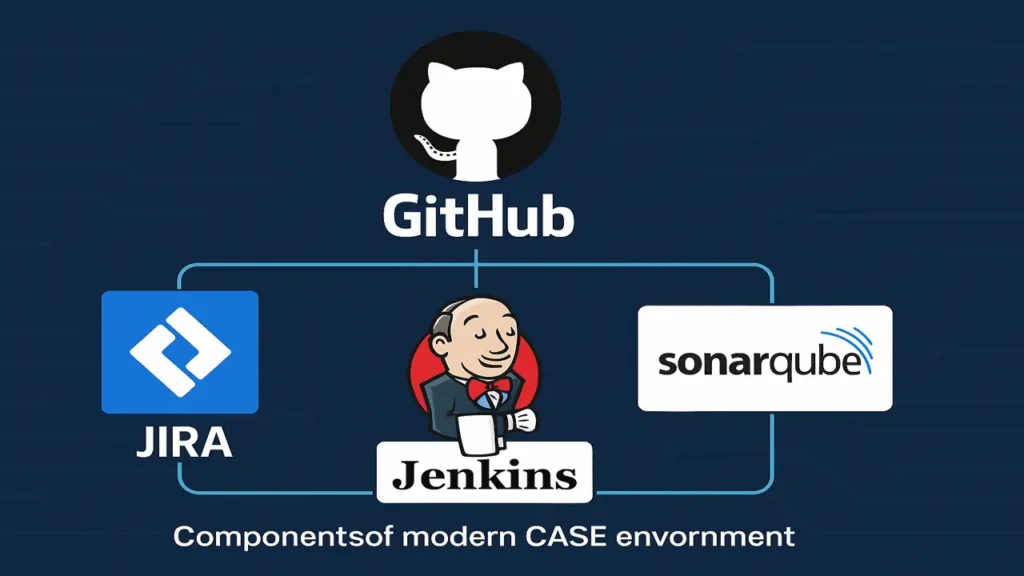
- Modern Stack: GitHub + JIRA + Jenkins + SonarQube integrated into one workflow.
Conclusion
The Service-Based Model of a CASE Environment promotes modularity, flexibility, and long-term scalability in software engineering.
It reflects how modern development ecosystems like GitHub and Eclipse operate today: interconnected, service-oriented, and endlessly adaptable.