CASE Tools in Software Engineering
Master CASE Tools in Software Engineering with clear examples of Upper, Lower, and Integrated tools that raise productivity, traceability, and software quality.
Introduction to CASE Tools
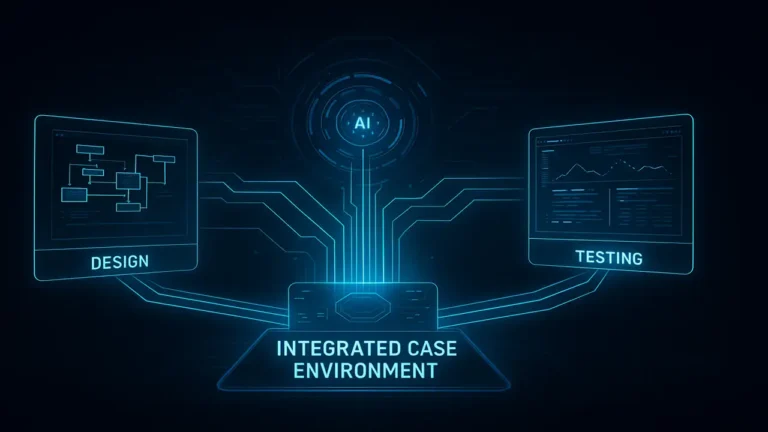
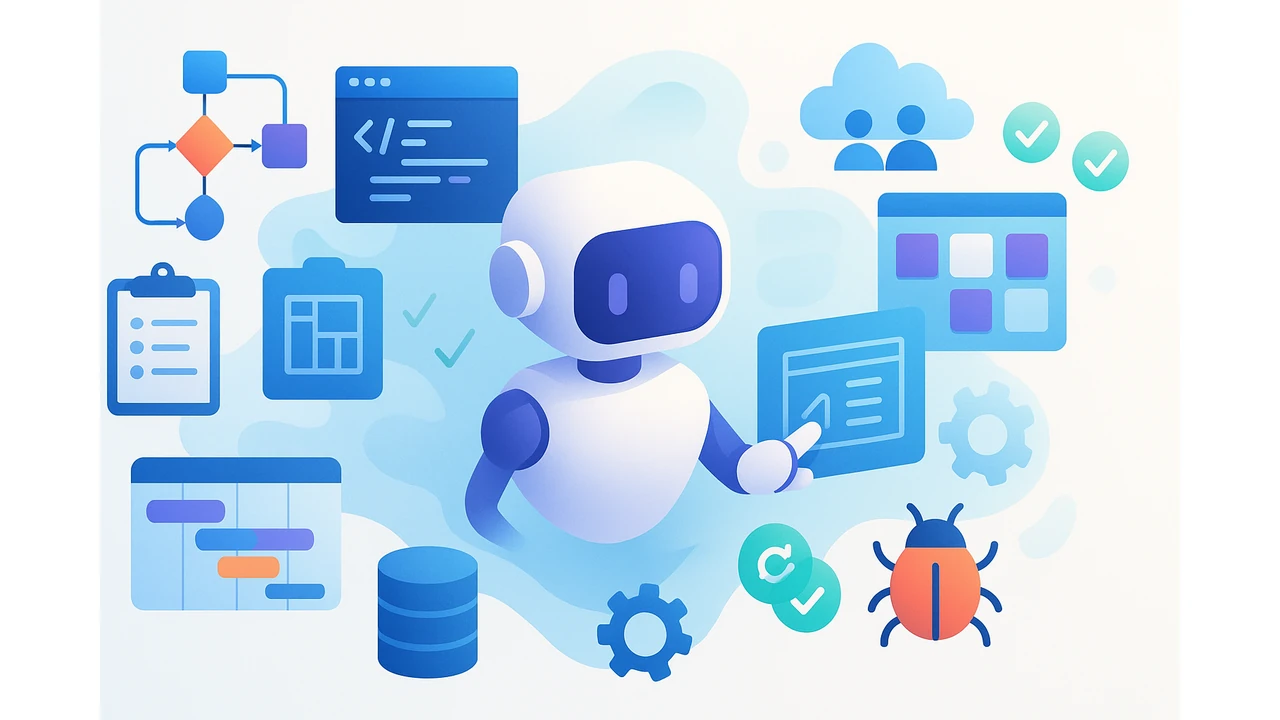
CASE Tools in Software Engineering (Computer-Aided Software Engineering) are computer-based methods and applications that support the entire software development lifecycle from planning and analysis to design, coding, testing, and project management. They act like automated assistants that improve speed, consistency, and collaboration.
Purpose of CASE Tools
Key goals: reduce complexity, increase productivity (automation), improve quality (standards & checks), enable integration between artifacts, and support teamwork with shared workspaces.

New to coding? Start with our Introduction to Problem Solving in Programming to learn step-by-step thinking and basic algorithms.
Why Use CASE Tools?
Without CASE, teams scatter requirements, diagrams, and code in different places. With CASE-like stacks (docs + modeling + version control), requirements link to design and implementation so changes propagate across the project fewer errors, faster delivery.
Functions of CASE Tools
- Modeling: UML, ER models, DFDs
- Code generation: design → source skeletons
- Documentation: automatic, always up-to-date
- Version/configuration management
- Testing & debugging
- Project management: tasks, schedules, progress
Types of CASE Tools
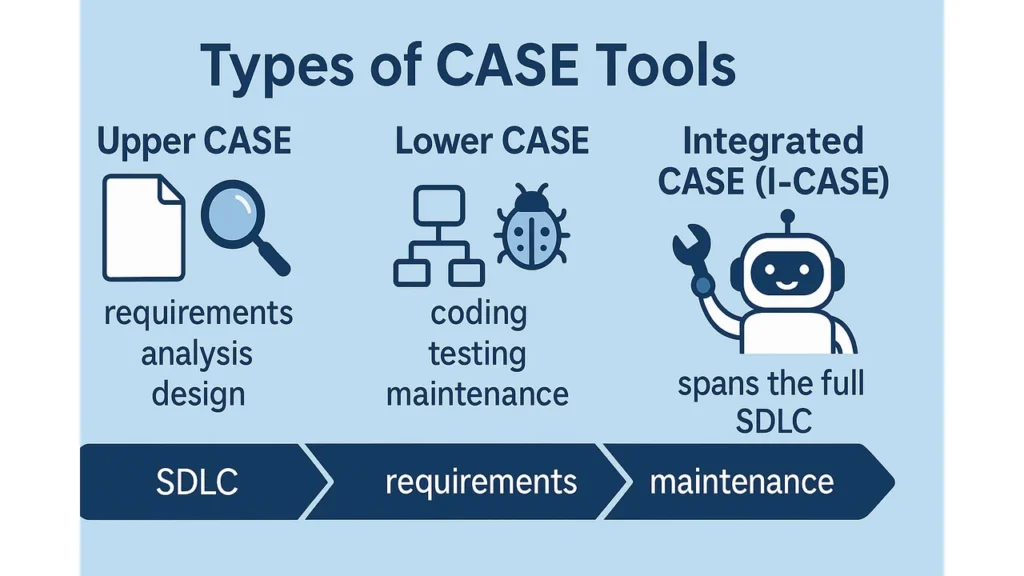
- Upper CASE: early phases requirements, analysis, design
- Lower CASE: later phases coding, testing, maintenance
- Integrated CASE (I-CASE): spans the full SDLC
Learn how attacks actually enter systems in Cyber Threats & Attack Vectors: Part 1.
Upper CASE Tools
What they do: requirements capture, system modeling (UML/ER/DFD), architectural & detailed design, design-level documentation.
Think of it as: planning a group project outlines, diagrams, and clear responsibilities before anyone writes code.
Lower CASE Tools
What they do: code generation, IDE-based coding/debugging, unit/integration/regression tests, version control, CI tools.
Think of it as: writing, checking, and polishing the final report before submission.
Start here: Introduction to Data Structures 2025 arrays, lists, stacks, queues, and why they matter.
What is Integration?
Integration means different tools and artifacts can share data, control, and processes so teams don’t feel like they’re working in disconnected silos. It’s coordinated teamwork for tools.
Levels of Integration
Integration strength varies from loose to tight. The “right” level depends on your team’s size, workflow maturity, and need for consistency vs. flexibility.
Loose Integration
Definition: independent tools connected by file import/export or APIs. Each tool keeps its own UI and data store.
Pros: flexible, easy to swap tools. Cons: updates can be delayed or inconsistent.
Tight Integration
Definition: unified environment with shared repository, common UI, and one workflow.
Pros: consistency and real-time updates. Cons: a central failure can affect everyone; switching tools is harder.
Conclusion
CASE Tools in Software Engineering streamline the SDLC, raise quality, and improve collaboration. Start with the modeling and documentation discipline of Upper CASE, then ensure your Lower CASE toolchain supports testing and versioning and pick the integration level that matches your team’s needs.
FAQs
Q1. What are CASE tools in software engineering?
Tools that automate and support SDLC activities planning, modeling, coding, testing, and management.
Q2. What’s the difference between Upper and Lower CASE?
Upper CASE targets early phases (requirements/design); Lower CASE targets later phases (coding/testing/maintenance).
Q3. When should I choose tight vs. loose integration?
Tight for mature teams needing strong consistency; loose for teams prioritizing flexibility and tool choice.
Q4. Do CASE tools generate code automatically?
Many can generate code skeletons or templates from models, which you extend and refine.