

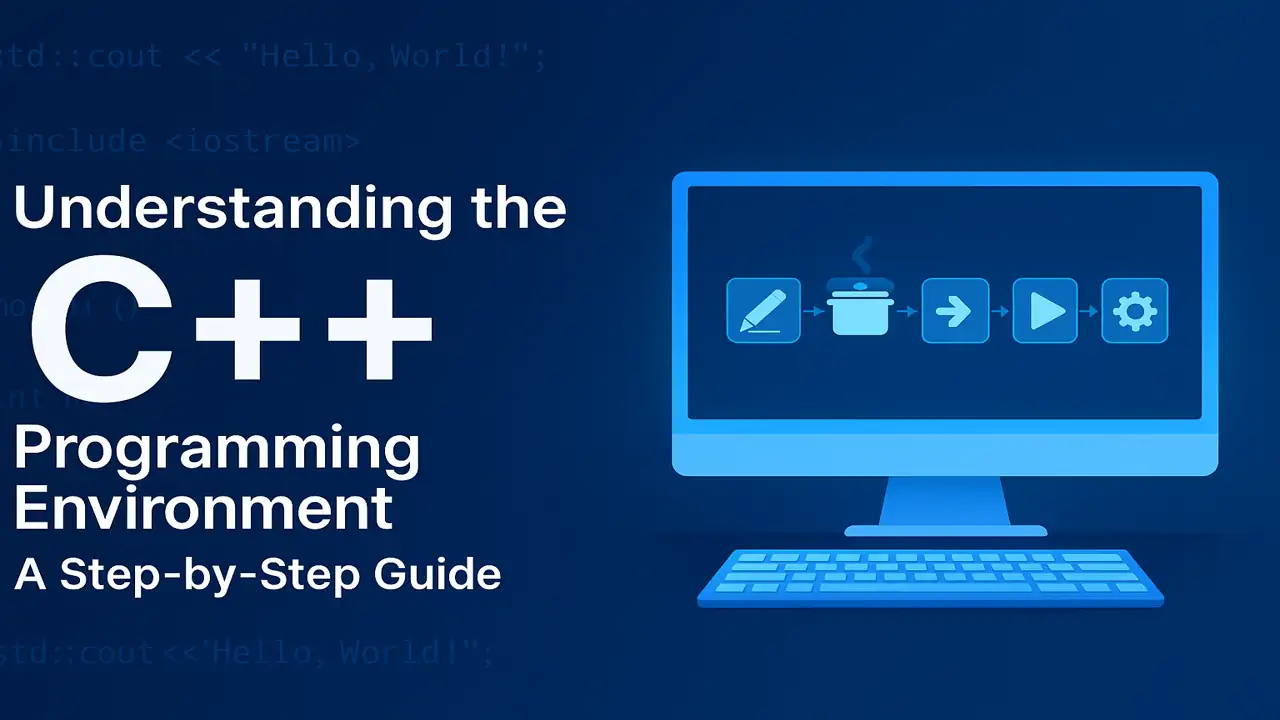
C++ Programming Environment
Learn the five stages of the C++ programming environment Edit, Preprocess, Compile, Link, and Execute plus I/O streams, manipulators, and real-life analogies.
Introduction
Before a C++ program can display results on your screen, it passes through a complete environment a setup of tools and processes that write, translate, and execute your code.
Think of it as the kitchen where your recipe (program) is prepared, mixed, and served!
What Is the C++ Environment?
The C++ Environment includes everything needed to write and run programs editors, compilers, linkers, loaders, and supporting libraries. It converts human-readable code into machine-understandable instructions.
In simple words: It’s the process that transforms your idea into a running application.

The Five Stages of the C++ Environment
Every C++ program goes through five essential stages before producing output:
| Stage | Purpose | Real-Life Analogy |
|---|---|---|
| Edit | Write source code (.cpp) | Writing your tea recipe |
| Preprocess | Handle #include, #define, remove comments | Gathering all ingredients |
| Compile | Check syntax, convert to object code (.obj) | Cooking and checking taste |
| Link | Combine object code and libraries | Mixing everything together |
| Load & Execute | Run the program | Pouring tea into the cup and enjoying it |

For More. Introduction to Problem Solving Programming Fundamentals
Stage 1: Edit (Writing Source Code)
This is where the journey begins. You write your C++ code using any IDE such as Code::Blocks, Dev C++, or Visual Studio Code and save it with a .cpp extension.
Example:
#include <iostream>
using namespace std;
int main() {
    cout << "Making Tea" << endl;
    return 0;
}
Just like writing down the recipe, this step prepares the ingredients for your program.

For More. Programming Fundamentals: Understanding Computer Programs, Languages, and C++ Basics
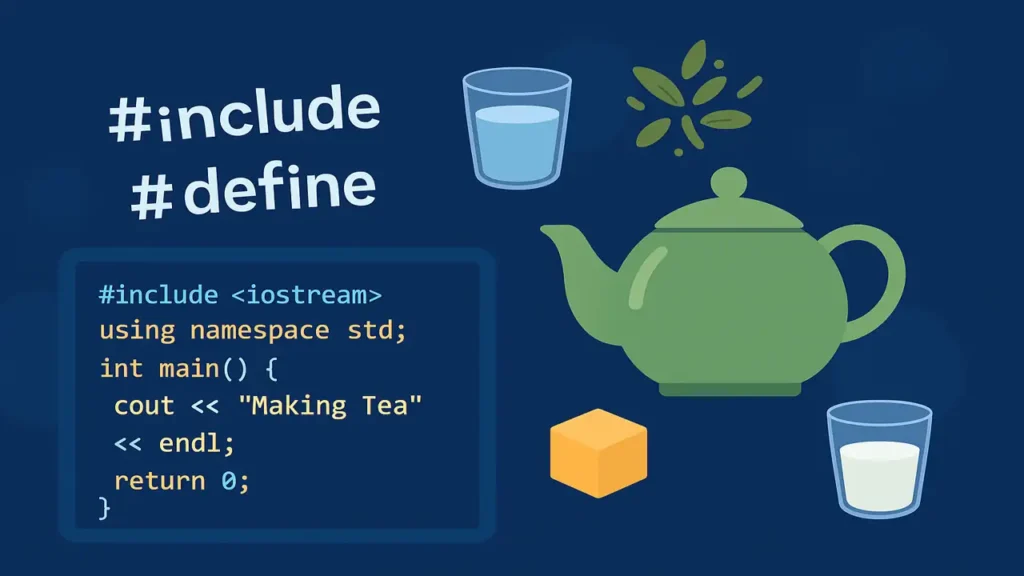
Stage 2: Pre-Process (Handling # Directives)
Before the compiler begins, the preprocessor takes over.
It handles all lines starting with #, such as #include and #define.
It also removes comments and prepares the code for compilation.
Real-life analogy: You’re collecting all the ingredients tea leaves, sugar, water, milk before cooking begins.
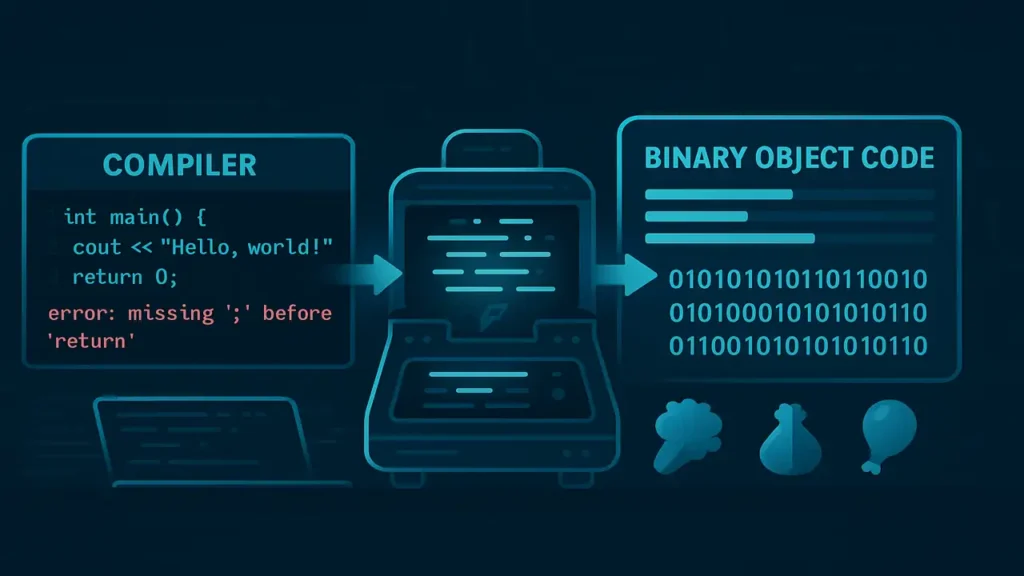
Stage 3: Compile (Source Code → Object Code)
The compiler checks your program for syntax and structure errors.
If all is correct, it translates your source code into object code, a machine-readable version saved as .obj or .o.
Just like tasting your mixture if sugar is missing (syntax error), it warns you before serving.
For More. Understanding the Basics of C++ Programming
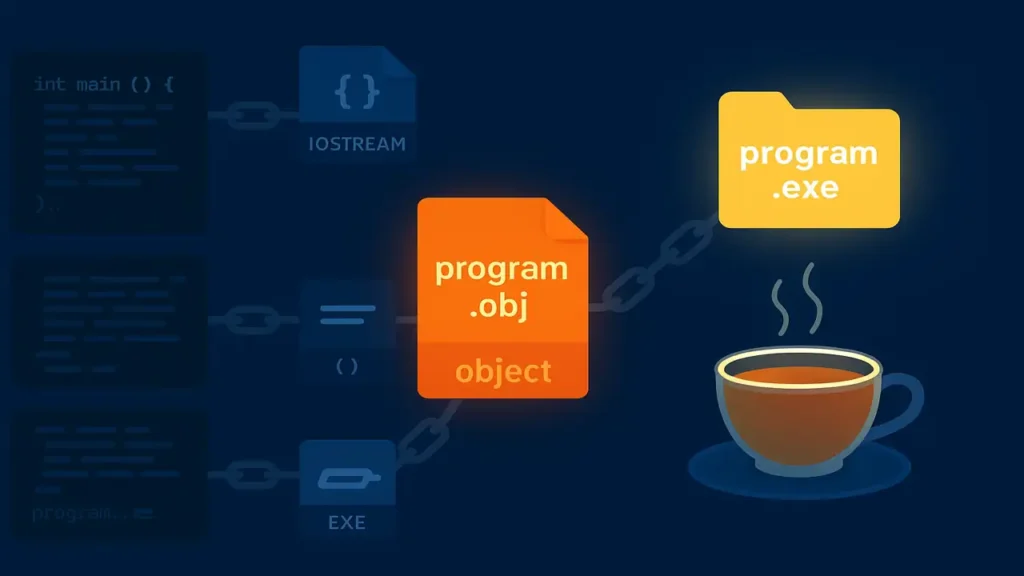
Stage 4: Link (Joining All Parts Together)
The linker connects your object files with required libraries (like <iostream>) to make a complete executable file (.exe).
If any reference is missing, it throws a linker error.
Real-life analogy: Mixing all cooked ingredients together to create the final tea.
Stage 5: Load & Execute (Running the Program)
Finally, the loader moves your executable into memory and your CPU executes it line by line.
The output appears on the screen your digital ‘cup of tea’ ready to serve!

I/O Stream Library in C++
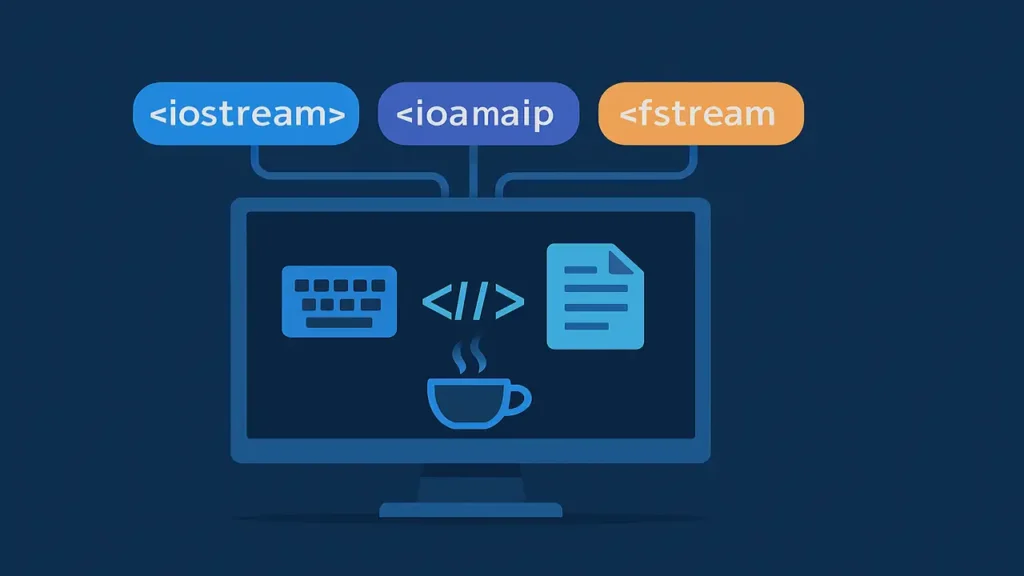
C++ uses I/O Stream libraries for data movement between the program and input/output devices.
<iostream>→ forcin,cout<iomanip>→ for formatting (e.g., width, precision)<fstream>→ for reading/writing files
Stream Output
Stream output means displaying data to an output device.
The object cout uses the insertion operator <<.
Example:
cout << "Welcome to C++ Programming!";Just like speaking aloud what’s in your mind.
Stream Input
Stream input takes data from an input device using cin and the extraction operator >>.
Example:
cin >> name;Like listening to someone’s response in a conversation.
Stream Manipulators
Stream manipulators modify how data is displayed—spacing, alignment, decimal precision, etc.
Common manipulators:endl, setw(), setprecision(), fixed, showpoint
Example:
cout << fixed << setprecision(2);
cout << "Price: $" << price << endl;
Output: Price: $123.46
Stream Format States
The stream format state controls how data is presented—decimal, octal, hexadecimal, etc.
You can change these states using manipulators like hex, dec, oct, setf(), or unsetf().
Example:
int num = 255;
cout << dec << num << endl;
cout << oct << num << endl;
cout << hex << num << endl;
Output:
Decimal: 255
Octal: 377
Hexadecimal: ff
Summary
| Concept | Definition | Example | Analogy |
|---|---|---|---|
| Stream Output | Sends data to output device | cout << "Hello" | Speaking words aloud |
| Stream Input | Takes data from input device | cin >> name | Listening to someone |
| Stream Manipulator | Adjusts data format | setw(5) | Decorating text |
| Stream Format State | Controls display settings | cout << hex << 255 | Showing values in different forms |
Conclusion
Understanding how the C++ environment transforms your written code into an executable program helps beginners visualize what happens behind the scenes.
From editing to execution, each stage is essential just like every ingredient in a perfect cup of tea.


Conditional Statements, Comments and Syntax in C++