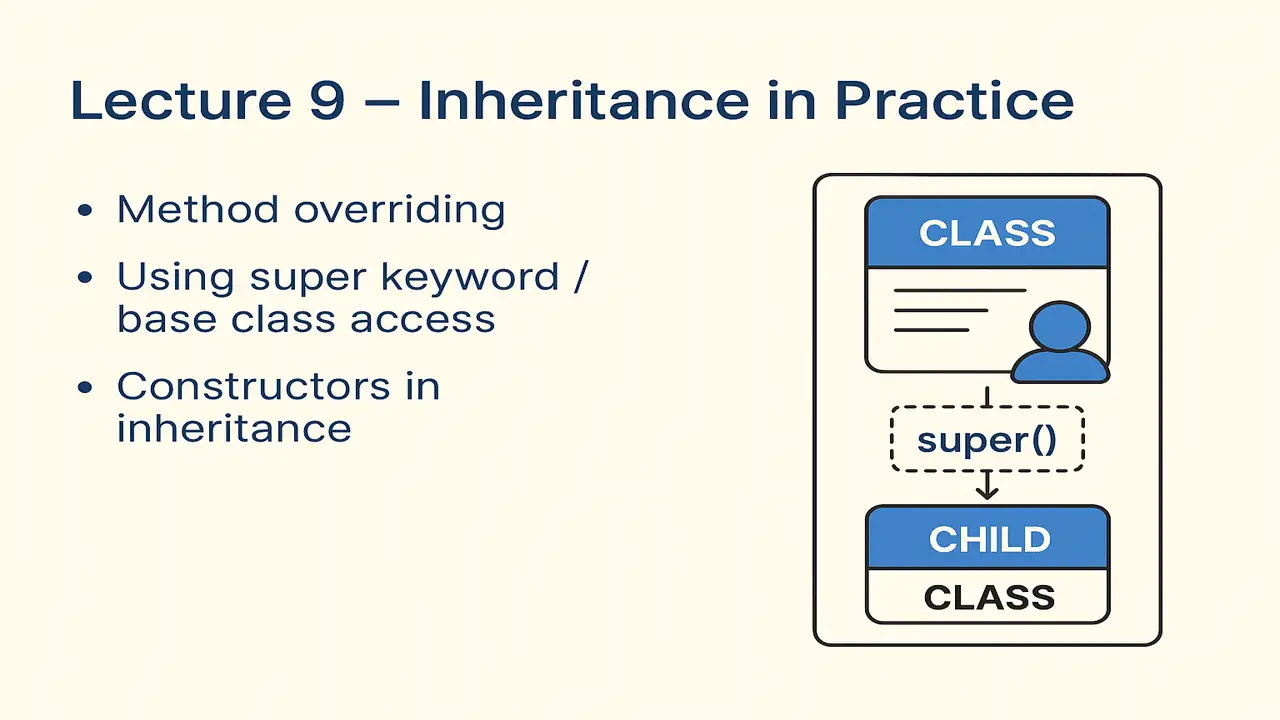
Inheritance in Practice
Dive into Inheritance in Practice with real examples of method overriding, constructor chaining, and base class access. Learn how to use the super keyword and understand how constructors behave in inherited classes in both C++ and Java.
Introduction
In the previous lecture, you learned the concept and syntax of inheritance how one class can reuse and extend another.
Now it’s time to see how inheritance works in practice, especially when methods and constructors come into play.
Method Overriding
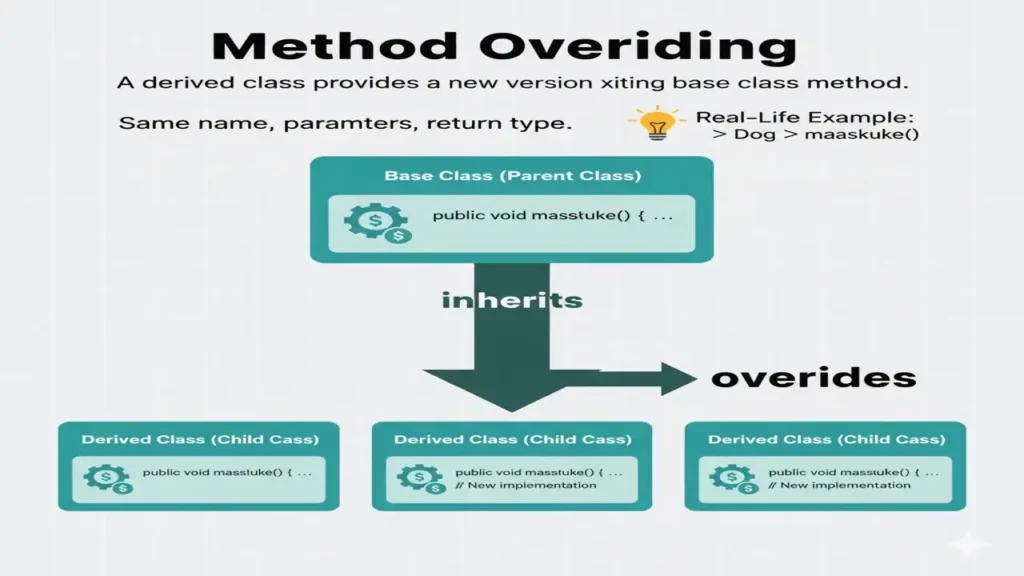
Method overriding allows a derived (child) class to provide a new version of a method that already exists in the base (parent) class.
This helps create behavior that fits the child class better.
Definition:
Overriding means redefining a method in the child class that already exists in the parent class with the same name, parameters, and return type.
Lecture 8 – Inheritance: Concept and Syntax
Example (C++):
#include <iostream>
using namespace std;

class Animal {
public:
    void sound() {
        cout << "Animal makes a sound." << endl;
    }
};

class Dog : public Animal {
public:
    void sound() {
        cout << "Dog barks." << endl;
    }
};

int main() {
    Dog d;
    d.sound(); // Calls Dog’s version, not Animal’s
}
Explanation:
- Both
AnimalandDoghave asound()method. - The one in
Dogoverrides the parent version.
Example (Java):
class Animal {
    void sound() {
        System.out.println("Animal makes a sound.");
    }
}

class Dog extends Animal {
    @Override
    void sound() {
        System.out.println("Dog barks.");
    }
}

public class Main {
    public static void main(String[] args) {
        Dog d = new Dog();
        d.sound(); // Dog barks
    }
}
The @Override annotation in Java helps ensure the method truly overrides one from the parent class.
Using the super Keyword / Base Class Access
Sometimes we still want to call the parent class method even after overriding it.
We can do this using:
superin Java- Scope resolution
::in C++
Example (C++):
#include <iostream>
using namespace std;

class Animal {
public:
    void sound() {
        cout << "Animal makes a sound." << endl;
    }
};

class Dog : public Animal {
public:
    void sound() {
        cout << "Dog barks." << endl;
        Animal::sound(); // Access base class method
    }
};

int main() {
    Dog d;
    d.sound();
}
Output:
Dog barks.
Animal makes a sound.
Example (Java):
class Animal {
    void sound() {
        System.out.println("Animal makes a sound.");
    }
}

class Dog extends Animal {
    void sound() {
        System.out.println("Dog barks.");
        super.sound(); // Call parent class method
    }
}

public class Main {
    public static void main(String[] args) {
        Dog d = new Dog();
        d.sound();
    }
}
The super keyword in Java refers to the parent class, allowing access to its methods or constructors.
Constructors in Inheritance
When an object of a derived class is created:
- The base class constructor runs first.
- Then the derived class constructor runs.
This ensures that the base part of the object is initialized before the child’s part.
Example (C++):
#include <iostream>
using namespace std;

class Animal {
public:
    Animal() {
        cout << "Animal constructor called." << endl;
    }
};

class Dog : public Animal {
public:
    Dog() {
        cout << "Dog constructor called." << endl;
    }
};

int main() {
    Dog d;
}
Output:
Animal constructor called.
Dog constructor called.
Example (Java):
class Animal {
    Animal() {
        System.out.println("Animal constructor called.");
    }
}

class Dog extends Animal {
    Dog() {
        System.out.println("Dog constructor called.");
    }
}

public class Main {
    public static void main(String[] args) {
        Dog d = new Dog();
    }
}
Same behavior:
Parent constructor executes before the child’s.
Parameterized Constructors in Inheritance
If the base class has a parameterized constructor, we can call it from the derived class using:
- C++: Initialization list
- Java:
super()call
Example (C++):
#include <iostream>
using namespace std;

class Animal {
public:
    Animal(string type) {
        cout << "Animal type: " << type << endl;
    }
};

class Dog : public Animal {
public:
    Dog(string name) : Animal("Dog") { // Call parent constructor
        cout << "Dog name: " << name << endl;
    }
};

int main() {
    Dog d("Buddy");
}
Output:
Animal type: Dog
Dog name: Buddy
Example (Java):
class Animal {
    Animal(String type) {
        System.out.println("Animal type: " + type);
    }
}

class Dog extends Animal {
    Dog(String name) {
        super("Dog"); // Call parent constructor
        System.out.println("Dog name: " + name);
    }
}

public class Main {
    public static void main(String[] args) {
        Dog d = new Dog("Buddy");
    }
}
Output:
Animal type: Dog
Dog name: Buddy
Key Points to Remember
| Concept | Description | Example |
|---|---|---|
| Method Overriding | Child redefines parent’s method | void sound() |
| Base Class Access | Call parent’s version | super.sound() / Animal::sound() |
| Constructors | Parent constructor runs first | Base → Derived |
| Parameterized Constructors | Pass arguments to parent | super("Dog") |
Positive Thought for Students
“Inherit knowledge like code learn from what came before, but always add your own logic to make it better.”